
how to clean charging port on iphone safely usually comes down to two things, using the right tools and knowing when to stop, because the port is small, delicate, and easy to damage with “quick fixes.”
If your iPhone only charges at a certain angle, the cable feels loose, or charging starts and stops, lint and pocket debris are common culprits. The good news is many cases are fixable at home, as long as you avoid metal picks, liquid cleaners, and aggressive scraping.
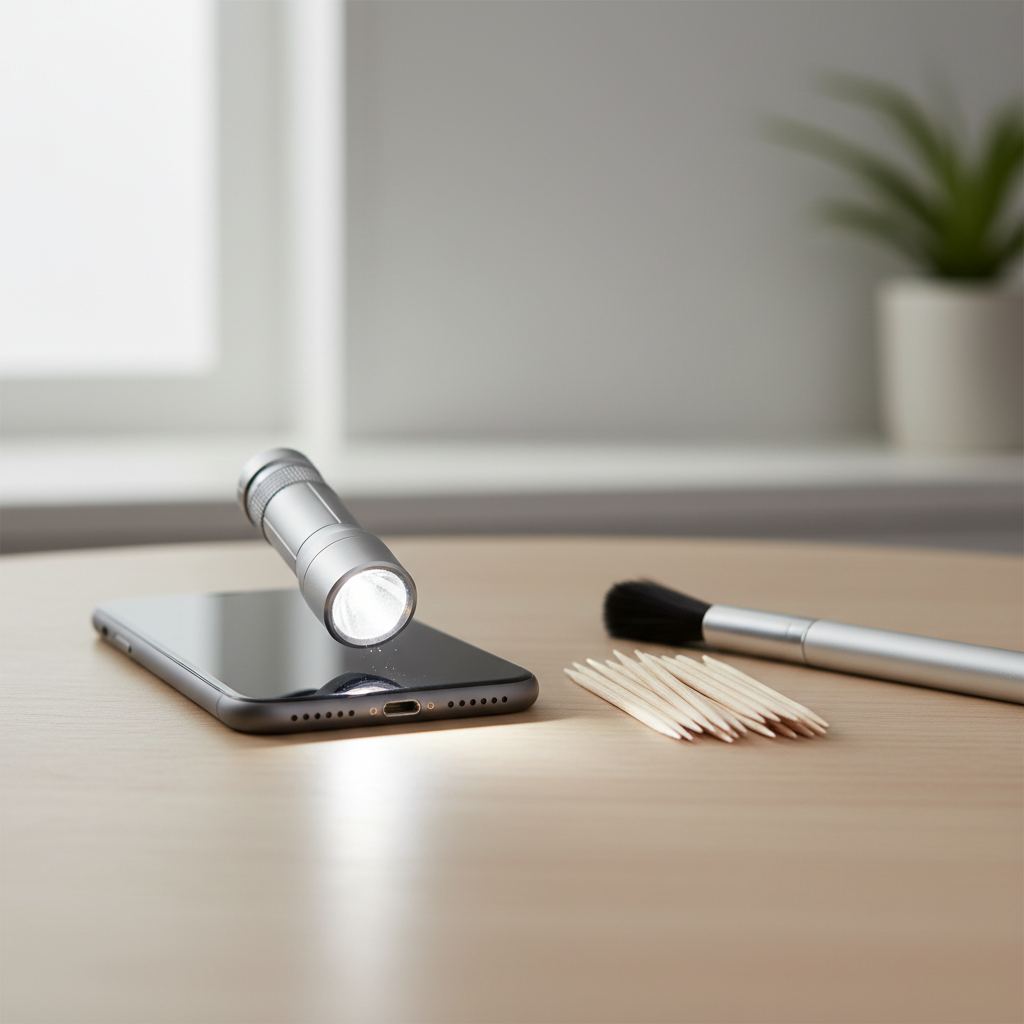
I’ll walk you through what causes the issue, a quick self-check to confirm it’s actually the port, and a cautious step-by-step process. I’ll also call out the common mistakes that turn a simple cleaning into a repair appointment.
Why iPhone charging ports get dirty (and what it looks like)
Most people assume the port “wears out,” but a lot of the time it’s compacted lint acting like a cushion between the cable and the connector pins.
- Pocket lint and fabric fibers get pressed in deeper every time you plug in the cable.
- Dust and grit can mix with skin oils and form a stubborn layer.
- Moisture exposure can leave residue or trigger warnings, and residue sometimes gets mistaken for dirt.
- Case and environment matter: tight jeans, dusty job sites, gym bags, and beach trips speed up buildup.
What you typically notice is a cable that won’t “click” in firmly, intermittent charging, CarPlay disconnects, or accessories that fail randomly.
Quick self-check: is the problem really the port?
Before you start cleaning, confirm the port is the most likely cause. This keeps you from poking around when the real issue is the cable, adapter, or software.
A fast checklist you can run in 3–5 minutes
- Try a different cable (preferably Apple or MFi-certified) and a different power adapter.
- Test a different outlet or USB port.
- If you use a power bank or car charger, test a standard wall charger.
- Gently wiggle the connector: if charging cuts in and out with tiny movement, debris or port wear is more likely.
- Look for iOS alerts like “Liquid Detected” or accessory warnings.
According to Apple Support, if you see a liquid-detection alert, you should avoid charging until the iPhone is dry, and you should not insert objects into the connector to speed drying.
Tools that are safe vs risky (use this table)
The safest approach uses non-metal, dry tools and bright light. Metal tips and liquids are where people get into trouble.
| Tool | Safe? | Why | Notes |
|---|---|---|---|
| Wooden toothpick | Usually safer | Non-conductive, less likely to scratch pins | Use light pressure, avoid snapping splinters |
| Soft anti-static brush | Good | Dislodges dust without digging | Best for light debris |
| Compressed air (short bursts) | Sometimes | Can blow out loose lint | Hold can upright, don’t blast continuously |
| SIM ejector / paperclip / needle | Risky | Metal can scratch pins or short contacts | A common “works once, breaks later” move |
| Alcohol, water, contact cleaner | Risky | Liquid can penetrate seals or leave residue | Consider professional help if you suspect corrosion |
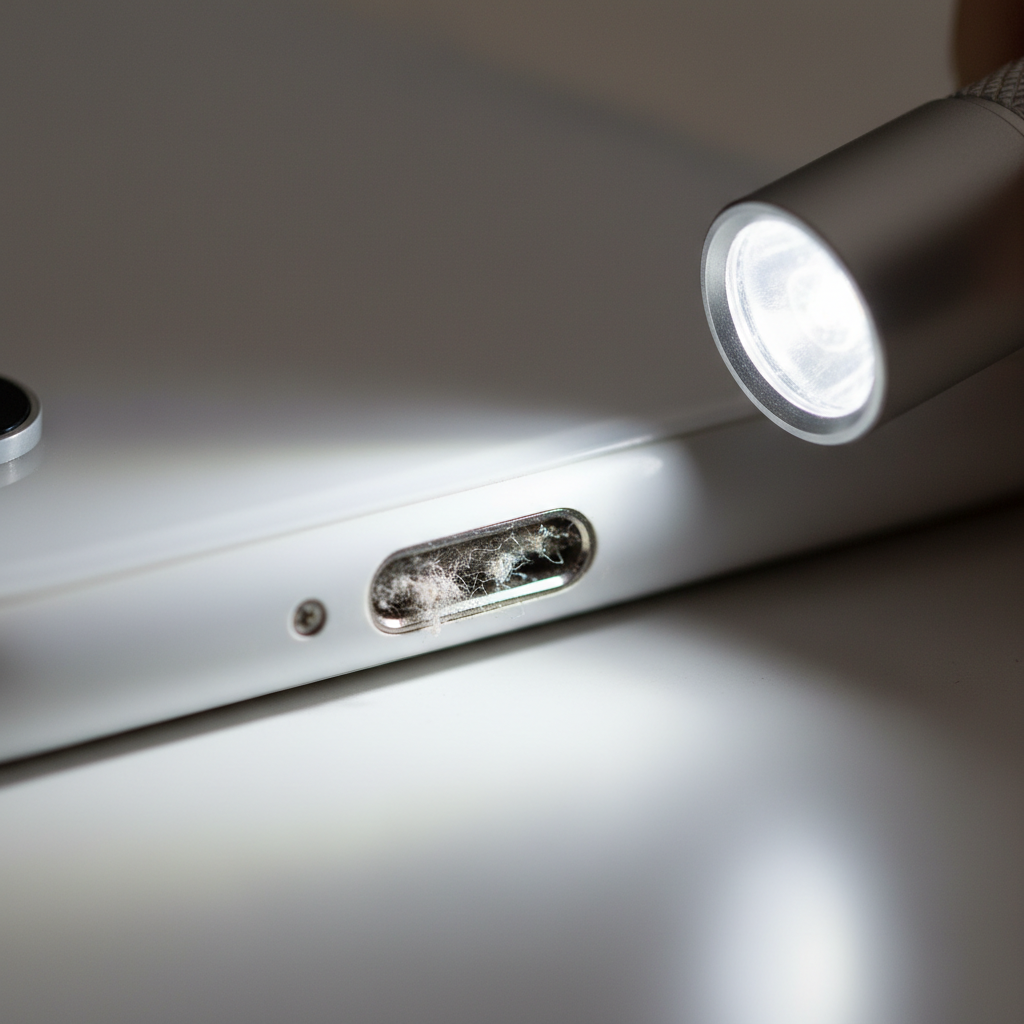
If you’re aiming for how to clean charging port on iphone safely, the table above is the main guardrail: dry, gentle, non-metal wins.
Step-by-step: how to clean an iPhone charging port safely
Go slow. The goal is to lift debris out, not “scrape the port clean.” If you feel yourself wanting to apply force, pause.
1) Power down and set up good lighting
- Turn the iPhone off.
- Work at a table, not on your lap.
- Use a flashlight to look into the port from an angle.
2) Dislodge loose debris first
- If you have a soft anti-static brush, lightly brush the port opening.
- If using compressed air, do short, gentle bursts from a slight angle.
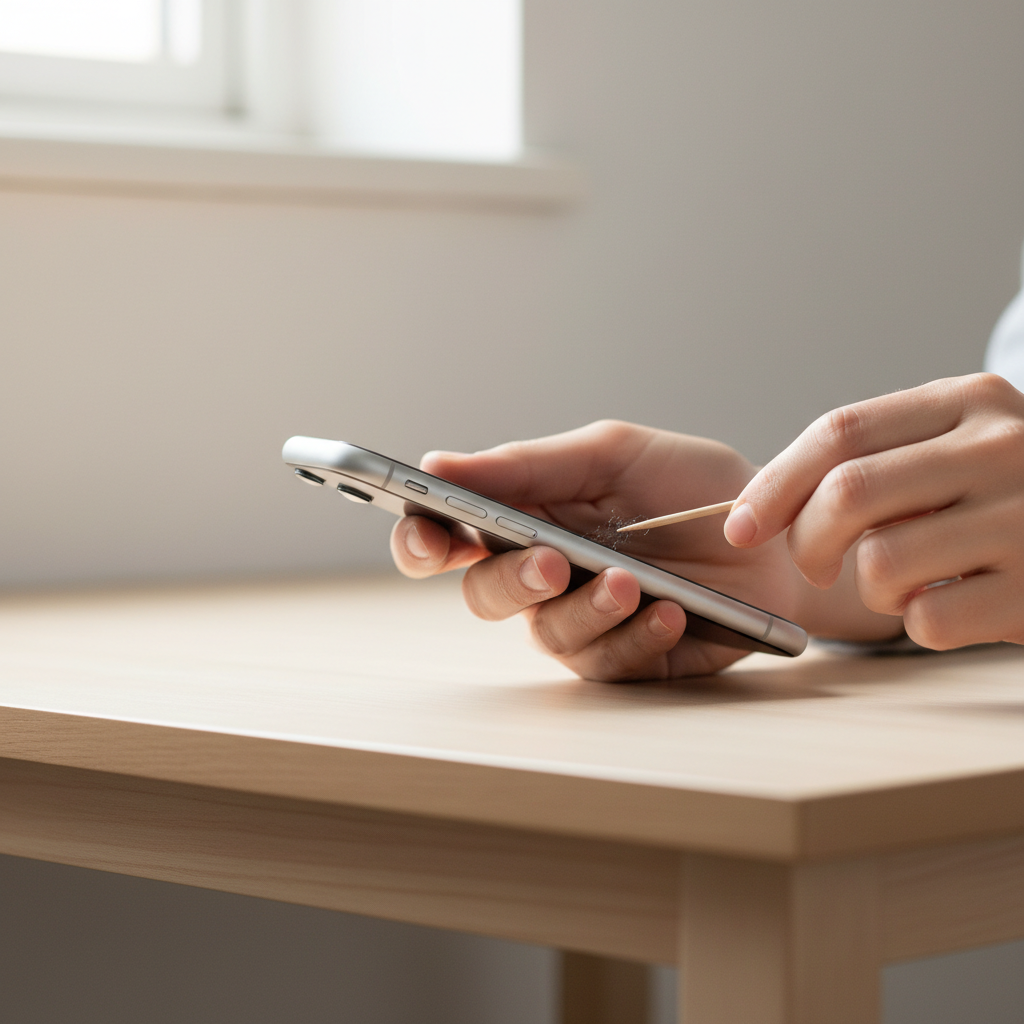
3) Use a wooden toothpick to lift compacted lint
- Use the toothpick tip to gently hook and pull lint out.
- Work along the sides, not straight into the center.
- Remove debris in small pieces rather than digging deeper.
4) Re-check, then test with a known-good cable
- Inspect again with the flashlight.
- Power on and test charging with a different cable if possible.
- Confirm the connector sits firmly and doesn’t wobble.
If nothing changes after careful cleaning, don’t keep scraping. At that point, you’re more likely dealing with a damaged cable, worn port, corrosion, or an internal issue.
Real-world tips that make this easier (and safer)
- Do less than you think you need. Often one small lint “mat” causes most of the problem.
- Avoid liquids even if you see grime. Sticky residue may be corrosion or contamination that needs proper service.
- Charge-test in stages. Clean a bit, test, then continue only if needed.
- Don’t forget the cable end. Pocket lint can cling to the connector and reintroduce debris.
If your main goal is how to clean charging port on iphone safely without creating a bigger issue, the “test in stages” habit is the quiet hero.
Common mistakes to avoid (these cause most damage)
- Using metal tools to “scrape” the port, which can scratch or bend contacts.
- Spraying cleaner directly into the port, even if it’s labeled electronics-safe, because residue and seepage are hard to control.
- Forcing the cable in after partial cleaning, which can compact debris further.
- Ignoring warning messages like “Liquid Detected,” then trying to charge anyway.
- Over-cleaning as a routine, when prevention and a clean environment solve most cases.
According to Apple Support, you should avoid inserting foreign objects into the charging connector and avoid charging if liquid is detected; if you’re unsure, it’s reasonable to consult Apple Support or an authorized service provider.
When to stop DIY and get professional help
Cleaning is appropriate for dry lint and dust. Past that, it gets fuzzy quickly, and forcing it can make repairs more expensive.
- You see green/white residue (possible corrosion) or smell something burnt.
- The port looks bent, loose, or recessed, or the cable never seats correctly.
- Charging works only with high pressure or extreme angles after cleaning.
- You repeatedly get liquid-detection alerts even after careful drying.
- Wireless charging works fine but wired charging fails consistently, suggesting a port-specific issue.
If you’re under warranty or have AppleCare, it often makes sense to stop early and ask for an evaluation rather than risk accidental damage.
Key takeaways (save this)
- Dry, gentle, non-metal tools are the safest path.
- Confirm it’s not the cable or adapter before cleaning.
- Remove lint in small pieces, test charging, then decide if you need more.
- If you suspect corrosion or physical damage, professional service is usually the smarter next step.
Conclusion: a clean port is mostly a patience game
How to clean charging port on iphone safely is less about “deep cleaning” and more about careful inspection, minimal force, and stopping once the connection feels solid again. Try the gentle method, test with a known-good cable, and if you keep seeing warnings or the port still feels loose, treat that as a signal to get it checked instead of escalating at home.
If you want a simple habit, grab a flashlight, look into the port every few months, and address small lint buildup early, before it compacts.
FAQ
Why does my iPhone only charge when I hold the cable at an angle?
Often it’s lint preventing the connector from seating fully, but it can also be a worn cable tip or a physically worn port. Try another cable first, then clean gently if the issue persists.
Is it safe to use a paperclip or SIM tool to clean the port?
It’s not recommended in many cases because metal can scratch contacts or create shorts. If you’re aiming for the safest route, stick to non-metal tools like a wooden toothpick and light brushing.
Can I use rubbing alcohol to clean the charging port?
Liquids introduce risk, including residue and seepage, and they’re easy to overuse. If you suspect sticky residue or corrosion, professional inspection is usually a better call.
How do I know if it’s lint or corrosion?
Lint looks like gray or tan fuzz and tends to come out in soft clumps. Corrosion may look greenish or chalky white and can be stuck to metal surfaces; that’s a good point to stop DIY.
Will compressed air damage an iPhone charging port?
It can if you blast continuously or hold the can too close. Short bursts at an angle are generally less risky, but brushing and gentle lifting often give you more control.
My iPhone says “Liquid Detected,” what should I do?
Don’t charge through the port until it dries, and avoid inserting objects to speed things up. If the alert repeats, consider contacting Apple Support, especially if the phone was recently exposed to moisture.
How often should I clean my iPhone charging port?
Only when symptoms show up or if you can clearly see buildup. Routine aggressive cleaning tends to cause more harm than good; prevention like keeping the phone out of lint-heavy pockets helps.
If you’re dealing with repeated disconnects, multiple cables failing, or you’d rather not risk poking the port at all, an Apple Store or authorized repair shop can check whether the issue is debris, wear, or corrosion and suggest the least invasive fix.