
budget e readers 2026 are better than most people expect, but the “best” cheap option depends on how you read: library books or Kindle deals, bedtime reading or bright outdoor sessions, one device or shared family use.
If you have ever bought a low-cost e-reader and ended up fighting slow page turns, bad lighting, or a store you do not even use, you already know the real problem is not price, it is fit. A smart pick at $80–$150 can feel calmer and more book-like than a budget tablet, and often saves your phone battery too.
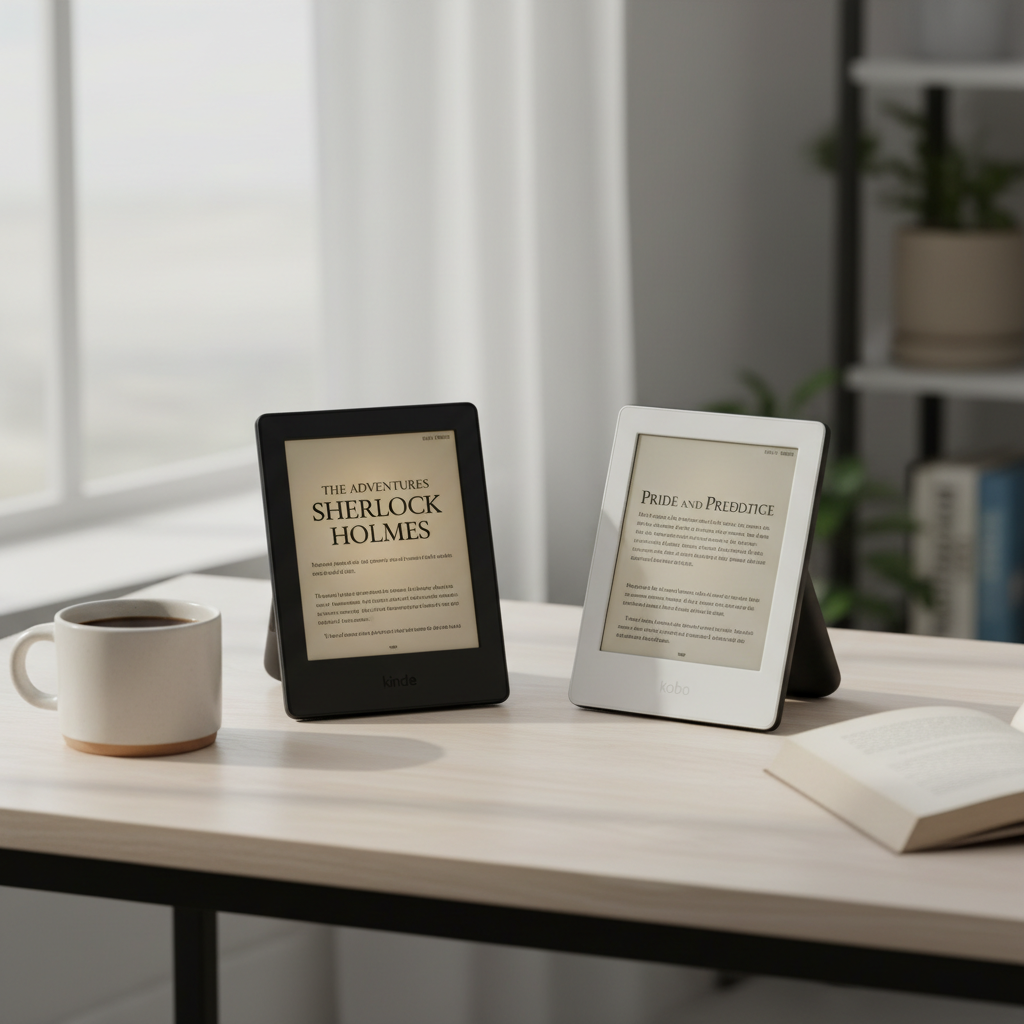
This guide focuses on what matters in 2026 budgeting: screen comfort, front light quality, library compatibility, and the little annoyances that make people return devices. You will also find a quick comparison table and a simple checklist to narrow your choice in minutes.
What “budget” really means for e-readers in 2026
In many US stores, “budget” usually lands between entry-level e-ink readers and older discounted models. The sweet spot is not always the lowest sticker price, it is the lowest cost that still gives you a pleasant daily reading loop.
- Under $90: often older generation models or sale pricing, fine for basic text reading, fewer comfort extras.
- $90–$150: where front lights, better contrast, and snappier performance become common.
- $150–$200: not “premium,” but you start seeing nicer lighting and waterproofing more often.
One more reality check, ebook ecosystems matter. If you already own lots of Kindle books, switching platforms to save $20 can cost you more in friction than it saves in money.
Quick comparison table: common budget picks and who they fit
Model names and availability can shift during 2026, but these categories map to what you will see on Amazon, Best Buy, Walmart, and refurbished marketplaces. Use this as a practical filter, not as a promise that every feature exists on every unit.
| Budget pick (category) | Typical price range | Best for | Watch-outs |
|---|---|---|---|
| Entry Kindle (basic) | $80–$120 (often on sale) | Kindle deals, simple reading, gifting | Lower DPI than Paperwhite-tier, fewer warmth controls on older models |
| Kindle Paperwhite (sale/refurb) | $120–$180 | All-around comfort, travel reading, night reading | Refurb condition varies, check warranty |
| Kobo Clara-class | $110–$160 | Public library borrowing, EPUB-friendly workflows | Store selection differs from Amazon, setup feels less “one-click” |
| Older premium model (used) | $70–$150 | Maximum value if you can evaluate condition | Battery wear, missing cables, older firmware support |
Why cheap e-readers disappoint: the real causes
Most returns come from a few predictable issues, and they show up even when the device is “working.” If you want a budget win in 2026, avoid the traps below.
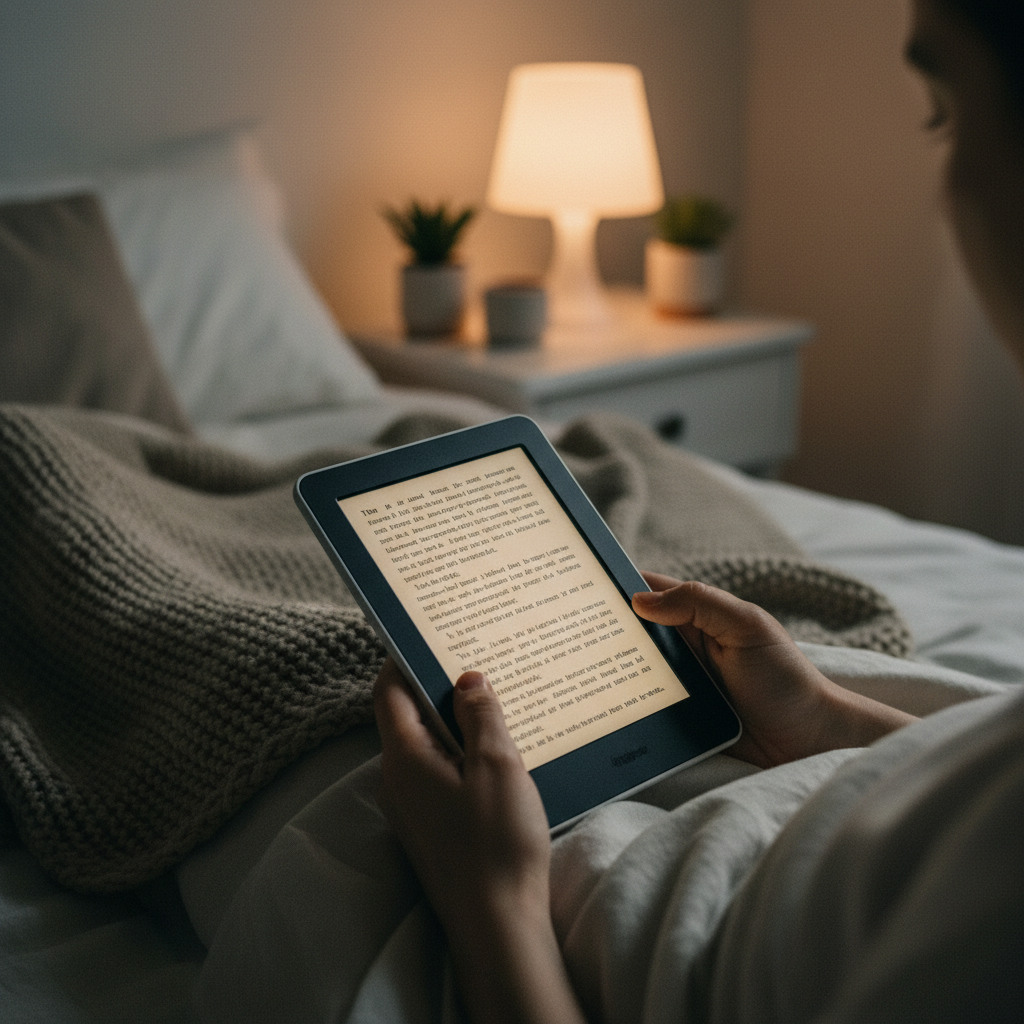
- Lighting that looks fine in a listing photo, but feels harsh at night. Warmth control and even front lighting matter more than people expect.
- Wrong ecosystem. Buying a Kobo when you mainly use Kindle Unlimited, or buying a Kindle when you rely on library EPUB workflows, creates daily friction.
- Underestimating size and weight. A slightly larger screen can be easier on your eyes, but also harder for one-hand reading on a couch.
- Used device battery wear. E-ink itself lasts, batteries do not. A cheap used deal can turn into a charger-tethered reader.
- Expecting tablet behavior. E-ink refresh and store browsing feel slower. That is normal, but some entry models feel sluggish enough to annoy.
According to the American Library Association, many US public libraries provide ebook and audiobook access through digital lending services, which is a big reason library compatibility has become a deciding factor for budget shoppers.
A fast self-check: which budget e-reader type fits you?
Answer these quickly, then match yourself to the scenario suggestions in the next section.
- I borrow from the public library a lot: look harder at Kobo-style library-first workflows, or confirm your library’s supported apps and formats before you commit.
- I buy Kindle books or use Kindle deals: stay in the Kindle family unless you are ready to rebuild habits and libraries.
- I read mostly at night: prioritize warm light and easy brightness controls, a great front light beats extra storage for most readers.
- I read outside: any e-ink is good outdoors, but higher contrast and a flush screen can feel nicer in bright sun.
- I travel or read near water: consider stretching budget for water resistance, or buy a simple sleeve plus a cautious routine.
- I hate tinkering: pick the ecosystem you already use, and avoid complex sideload setups.
Best budget e readers 2026: practical picks by scenario
Rather than pretending one device wins for everyone, here are the most common “buyer types” and what tends to work.
1) You want the simplest “buy and read” setup
Go with an entry Kindle or a discounted Paperwhite-tier model if you see a good sale. The difference usually shows up in screen sharpness, lighting quality, and how relaxed your eyes feel after an hour.
- Look for a front-lit e-ink screen as your baseline.
- If pricing is close, prioritize higher DPI over extra storage.
- Check return policy, budget models are still personal preference.
2) You are a heavy library borrower
Many readers do best with Kobo-style devices because the borrowing flow can feel more direct for ebooks, but your local library’s setup matters more than brand debates.
- Before buying, confirm what your library supports and what you personally use.
- If you borrow on a phone today, ask yourself if you want that same app experience or a more dedicated reader flow.
- Plan five minutes for setup, the first login and sync is where most frustration happens.
3) You want the nicest screen without paying “premium”
Sales and manufacturer-refurb units often deliver the best value. In practice, this is where budget e readers 2026 shopping feels like a strategy game: patience saves money.
- Check warranty length and who handles returns, seller matters as much as device.
- Inspect for dead pixels and uneven lighting right away.
- Test battery drain over a couple sessions, not just the first hour.
4) You plan to sideload lots of EPUBs and PDFs
EPUB is usually straightforward on Kobo-style devices. PDFs are trickier on small screens regardless of brand, because zooming and panning can get old fast.
- For PDFs, a larger screen helps more than CPU speed.
- For EPUBs, focus on font controls and margin settings.
- If you rely on DRM-protected files, confirm compatibility before you buy.
How to shop smarter: a quick, repeatable process
If you want to avoid analysis paralysis, run this process once, then buy. It keeps you from overpaying for features you will not use.
- Step 1: Pick your ecosystem based on where your books come from, not on spec sheets.
- Step 2: Choose screen comfort, aim for crisp text and lighting you can tolerate at night.
- Step 3: Decide new vs refurbished, refurbished works well when warranty and returns are clear.
- Step 4: Time your purchase, major retail sale windows often move entry models into “no-brainer” pricing.
- Step 5: Do a first-week test, try daylight, night, and a longer session, then keep or return.
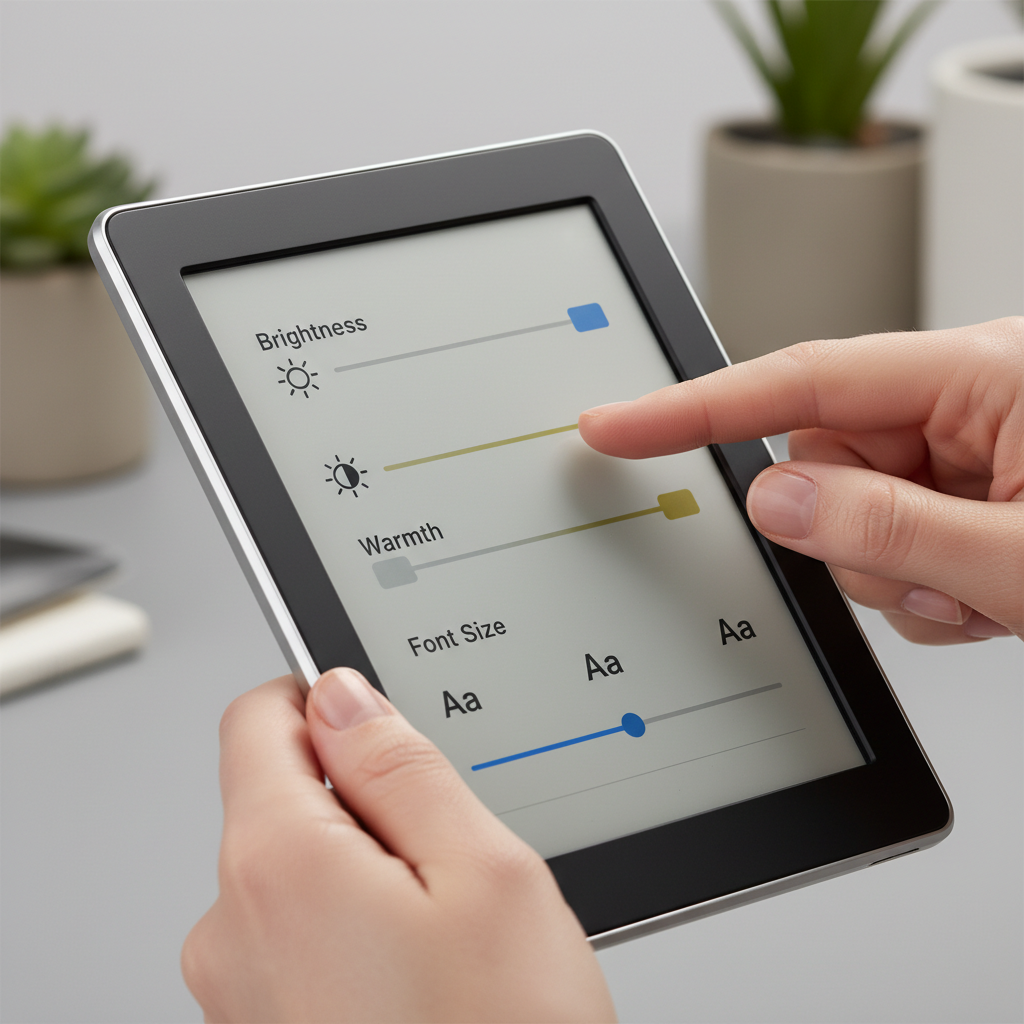
Key point: many people overspend on storage. Text ebooks are small, and the reading experience usually improves more from a better light and sharper screen than from doubling gigabytes.
Common mistakes and small details that matter
- Buying for specs, not habits: if you never read audiobooks, do not pay for features you will not touch.
- Ignoring lighting quality: if the front light looks blotchy or too blue at low levels, you will notice every night.
- Assuming “waterproof” means carefree: it reduces risk, it does not make damage impossible, treat it as a safety net.
- Overcommitting to PDFs: for textbooks and technical PDFs, a cheap e-reader might frustrate you, a tablet can be more practical.
- Forgetting ergonomics: cases add weight, pop sockets help grip, these are small upgrades that make budget devices feel premium.
According to the Federal Trade Commission, checking seller identity, return terms, and warranty details is a practical way to reduce risk when buying refurbished or used electronics online.
Conclusion: what to buy, and what to do next
Most book lovers can get a genuinely satisfying experience from budget e readers 2026, as long as they pick the right ecosystem and do not compromise on screen comfort. If you read nightly, spend your budget on the light and sharpness, if you borrow heavily, make library flow the priority.
Action items that actually help: write down where your next ten books will come from, then set a price alert for a model in that ecosystem, once it hits your number, buy and run a one-week real-world test before return windows close.
FAQ
Are budget e-readers worth it compared to reading on a phone?
For many people, yes, mostly because e-ink reduces glare and feels calmer for long sessions. If you only read in short bursts, your phone may be “good enough,” but for nightly reading a dedicated reader usually feels easier on attention.
What is the best time to buy budget e readers 2026 in the US?
Big sale periods often bring the strongest discounts, and refurbished inventory can spike around those windows too. If you are not in a rush, waiting for a sale can move you up a tier without raising budget.
Can I use my public library with any e-reader?
Not always. Library lending depends on services, apps, and formats supported in your region. Confirm your library’s current method first, then choose a device that matches that workflow instead of hoping it “just works.”
Is refurbished safe for an e-reader purchase?
It can be, if the seller offers a clear return window and warranty. The main risk is battery health and cosmetic wear, so test battery drain early and do not wait weeks to evaluate.
How much storage do I need on a budget e-reader?
For text ebooks, modest storage is usually fine. Storage matters more if you keep audiobooks offline or store lots of large comics and scanned files.
Do I need warm light for night reading?
You do not “need” it, but many readers find warm light more comfortable at low brightness. If you read in bed often, it is one feature that tends to justify a small price jump.
What about cheap color e-readers or e-ink tablets?
Color e-ink can be appealing for comics and highlights, but budget models may trade off brightness and sharpness. If your priority is plain novels, a good black-and-white screen often feels cleaner at the same price.
If you are trying to choose between two sale deals and want a quicker answer, list your book sources, reading times, and “must not annoy me” items, then pick the model that matches those habits rather than the one with the flashiest spec line.