
Best wireless earbuds with wireless case picks come down to one thing: the case has to make your life easier, not add another battery headache or pairing glitch to your day.
Most people shop earbuds by sound alone, then regret it when the case is bulky, the hinge feels flimsy, or “wireless charging” turns out to be picky about pads. A good case is your charger, your storage, your quick-pair hub, and sometimes your tracker.

This guide focuses on what matters in the U.S. market right now: reliable Qi charging, real-world battery expectations, call quality for Zoom and commutes, and the small “quality of life” details that separate a smart buy from a return.
What “wireless case” really means (and what it doesn’t)
In listings, “wireless case” usually means the case supports Qi wireless charging, the same standard many phones use. You drop the case on a charging pad and it charges without a cable.
Two quick clarifications save a lot of frustration:
- Wireless-charging case ≠ earbuds charge wirelessly. The earbuds almost always charge via contact pins inside the case.
- Qi support varies by pad. Thicker cases, camera bumps on phone chargers, or misalignment can make charging intermittent.
According to Wireless Power Consortium (the group behind the Qi standard), certified Qi devices are designed to work across compliant chargers, but real-world placement still matters.
Quick comparison table: what to look for
If you want a fast shortlist mindset, this table covers the features that typically influence day-to-day satisfaction more than minor sound differences.
| Priority | What to check | Why it matters in real life |
|---|---|---|
| Wireless charging reliability | Qi support, case shape, magnet alignment | “Charges on any pad” is rarely true if the case shifts easily |
| Battery runway | Earbud hours + case recharges | Long meetings and travel days punish optimistic specs |
| Comfort and seal | Tip sizes, venting, pressure relief | Comfort drives how often you actually wear them |
| Call quality | Mic system, noise reduction, wind handling | Sidewalk calls and open offices are the real test |
| ANC / transparency | Strength, naturalness, adjustability | Good transparency can be more useful than max ANC |
| Ecosystem features | Multipoint, spatial audio, app EQ | Convenience depends on iPhone vs Android use |
Why people end up disappointed with wireless charging cases
When someone tells me their “wireless case doesn’t work,” it’s usually one of these patterns, not a defective unit.
- Pad mismatch or placement sensitivity. Many pads have a sweet spot; some cases are short and easy to misalign.
- Thick protective covers. Case sleeves can block or weaken Qi charging, especially cheaper ones.
- Dirty contacts inside the case. Wireless charging fills the case, but earbuds still need clean pins to top up.
- Battery expectations set by marketing. “Up to” battery claims often assume moderate volume and limited ANC use.
- Wrong fit leads to constant re-adjusting. You blame the audio, but the seal is leaking bass and undermining ANC.

Also worth saying out loud: if you rarely use a charging pad, buying solely for wireless charging can be a trap. The best wireless earbuds with wireless case are still great when you plug in USB-C, because you will, at some point.
A practical “best picks” guide by user type
There isn’t one winner for everyone. The better approach is to pick a lane, then choose the model line that consistently nails that lane.
If you use an iPhone and want the smoothest experience
Look at Apple-focused options where pairing, device switching, and Find My-style tracking feel effortless. In this lane, the wireless case experience tends to be more “it just works,” including battery widgets and lid-open pairing prompts.
- Buy for: seamless pairing, stable connectivity, strong transparency mode, reliable accessory ecosystem
- Watch for: fit comfort across long sessions, and whether you need a smaller case for pockets
If you’re on Android and juggle phone + laptop
Prioritize multipoint Bluetooth (connects to two devices at once) and a good companion app with EQ. Many people searching “best wireless earbuds with wireless case” really want fewer switching annoyances, not just charging convenience.
- Buy for: multipoint stability, app EQ, codec support that matches your phone
- Watch for: multipoint sometimes reduces latency optimizations in gaming modes
If you fly, commute, or work in noisy places
Go for stronger ANC and a case that makes topping up easy between legs: clear LED indicators, sturdy lid, and consistent Qi charging. In airports, the “small stuff” matters, like whether the case opens one-handed.
- Buy for: ANC strength, pressure comfort, wind noise handling, reliable case battery
- Watch for: aggressive ANC can feel uncomfortable for some ears over hours
If calls are the main job
Mic quality varies more than most shoppers expect. Look for earbuds known for voice isolation and natural tone. According to Federal Communications Commission guidance on wireless devices, performance can vary with interference and environment, which is a polite way of saying sidewalk wind and traffic will humble “studio-quality” claims fast.
- Buy for: consistent voice pickup, low background pumping, stable connection
- Watch for: “crystal clear” marketing that ignores windy outdoor use
Self-check checklist: which features should you pay for?
Before you pick a model, answer these quickly. Your “yes” answers tell you where to spend and where to save.
- Do you already own a Qi pad on your nightstand or desk, and actually use it?
- Do you switch between phone and laptop more than twice per day?
- Do you take calls while walking outside or in a loud office?
- Do your ears get sore with in-ear pressure after 30–60 minutes?
- Do you often forget to charge, meaning the case battery matters more than peak earbud hours?
- Do you need a “find my earbuds” feature because you misplace small things?
Key takeaway: if you answered “yes” to only the first question, you might be fine with a solid wired USB-C case and saving money for better fit and sound.
How to choose step-by-step (without getting lost in specs)
Here’s a clean process that works even if you’re not an audio nerd.
Step 1: Make the case do the work
- Prefer USB-C + Qi. Wireless is convenience, cable is your backup.
- Check pocketability. A “premium” case can be annoyingly chunky.
- Look for clear battery feedback. Multi-LED or app-based case percentage reduces surprises.
Step 2: Fit first, then sound
Many returns come from fit, not sound. A weak seal kills bass and makes ANC feel pointless, even on expensive models.
- Choose earbuds with multiple tip sizes, ideally including extra-small or extra-large.
- If your ears fatigue easily, look for vented designs or pressure relief features.
- When testing, wear them 30 minutes, not 30 seconds.
Step 3: Decide what “good ANC” means for you
For some people, medium ANC + great transparency is more useful than max ANC that feels intense. If you run or bike, you may want less isolation for safety, and it can be smart to ask a professional if you have hearing concerns.
Step 4: Confirm the ecosystem details
- iPhone users: check how well features integrate with iOS, including device switching and tracking.
- Android users: check multipoint, app EQ, and whether your phone supports the earbuds’ higher-quality codec options.
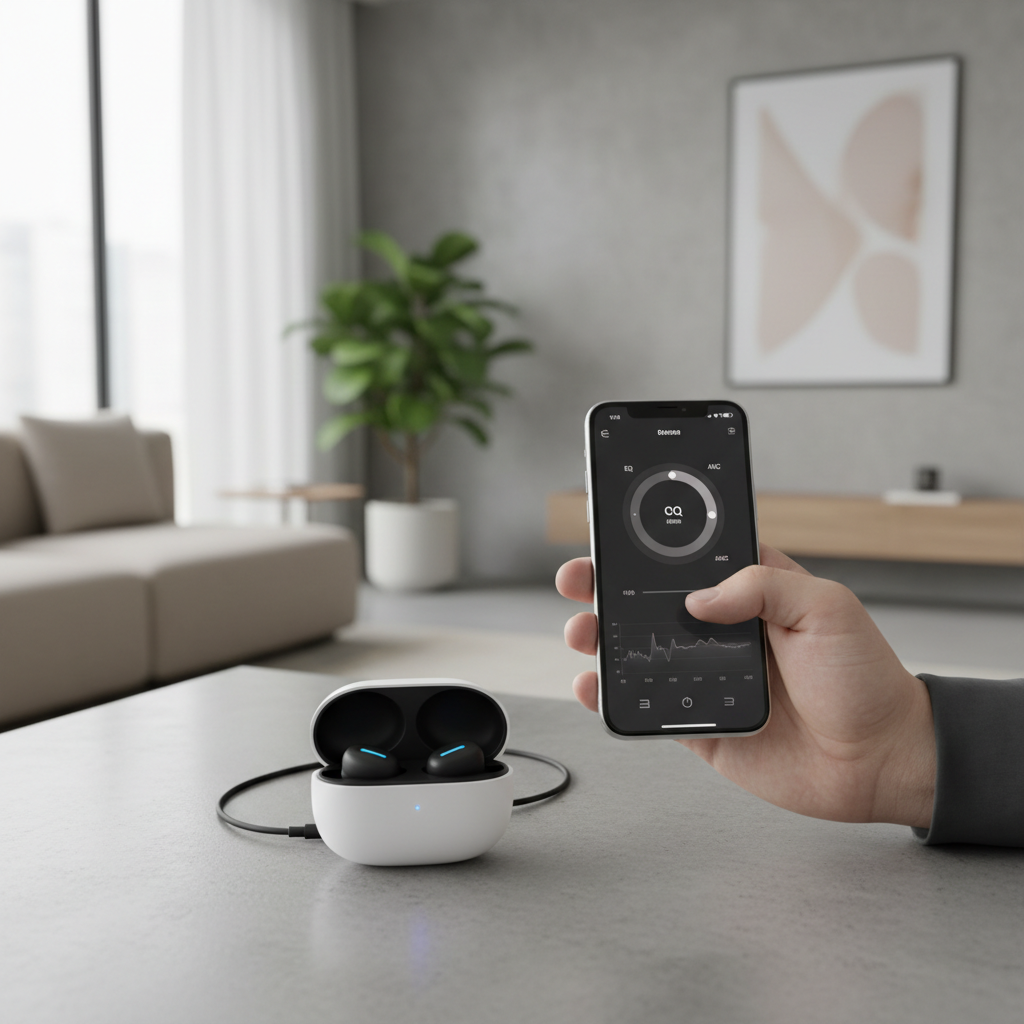
When you do this in order, you stop chasing spec sheet bragging rights and end up with a set you actually enjoy using daily.
Common mistakes (that waste money fast)
- Buying for “wireless charging” without owning a good pad. If your pad is tiny or unstable, you’ll end up using the cable anyway.
- Ignoring tip options. One extra set of tips can change comfort and bass more than any “pro” label.
- Assuming more ANC is always better. Some ears dislike strong pressure effects, and that’s not you being picky, it’s just physiology.
- Not testing calls in your real environment. Try a call outside and in a noisy room before deciding.
- Overpaying for codecs you can’t use. Codec support depends on your phone and apps, sometimes the difference is subtle.
When it makes sense to get professional help
If you experience ear pain, ringing, or sudden hearing changes, it’s safer to stop using earbuds and consult a qualified clinician. For workplace hearing needs, an audiologist can help you choose safe listening habits and appropriate devices.
According to Centers for Disease Control and Prevention, repeated exposure to loud sounds can harm hearing, so if you routinely crank volume to overpower noise, better isolation or different gear might be the smarter move.
Conclusion: the “best” pick is the one you’ll actually keep charged and enjoy
Choosing the best wireless earbuds with wireless case is less about hunting one magical model and more about matching your routine: the case should charge reliably on Qi, the fit should stay comfortable past the first hour, and calls should sound solid where you actually take them.
If you want a simple next step, pick your user type above, then shortlist 2–3 models and test them with your own charging pad and your own commute. That small reality check usually beats another hour of spec browsing.
Key points to remember:
- Qi charging is convenience, USB-C is your safety net.
- Fit and seal drive bass, comfort, and ANC more than most features.
- Multipoint and call quality are the real productivity upgrades.
If you’re trying to narrow choices quickly, make a short list based on your phone (iPhone vs Android), your call environment, and whether you truly use wireless charging day to day, you’ll land on a purchase that feels calm instead of complicated.