
Best free ai tools 2026 is really about one thing: getting useful results without getting trapped in “free” plans that block exports, throttle usage, or quietly remove key features.
If you’re in the US juggling work, school, side projects, or a small business, the tool list is less important than the fit. The right free AI tool depends on your output type, your privacy needs, and whether you can tolerate watermarks, queues, or usage caps.
This guide filters the noise and focuses on practical picks across writing, images, video, audio, research, productivity, and coding. I’ll also show a simple way to test tools in 30 minutes so you don’t waste a weekend “trying everything.”
How to choose free AI tools without regretting it
Most free tiers are fine for testing, but many people pick based on hype and then hit a wall on day two. A cleaner approach is to decide what “free” must include for your workflow.
- Output you can actually use: Can you export, download, or copy cleanly, or does it add watermarks and formatting issues?
- Quality under the free limit: Some tools look great in a demo, then degrade when you move from a one-off prompt to a real project.
- Rights and privacy: If you handle client info, health data, or student data, read policy pages and consider using redacted inputs. According to NIST, managing AI risk includes considering data governance and privacy impacts.
- Time cost: A “free” tool that needs constant re-prompts can cost more than a basic paid plan.
Key takeaway: choose one “core” tool per task and one backup, not five overlapping apps.
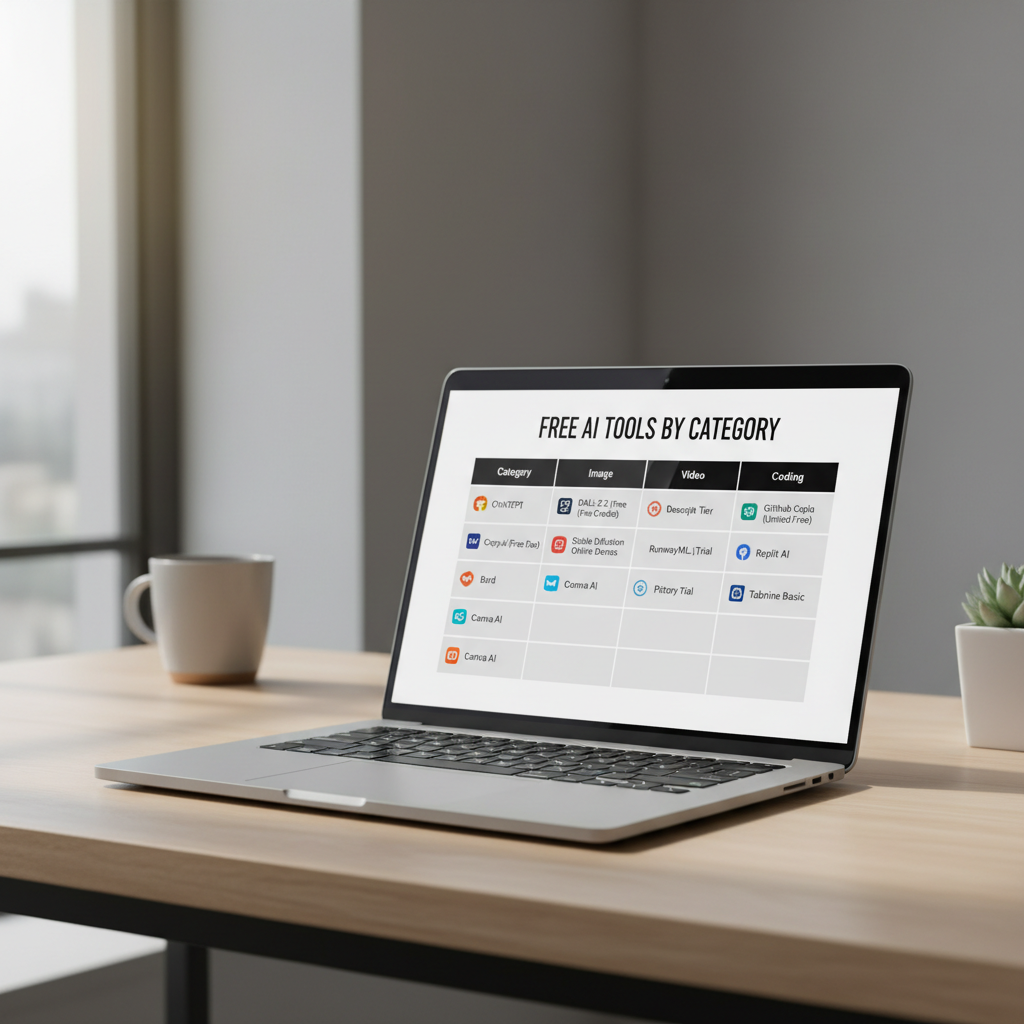
Quick comparison table: best free AI tools 2026 by use case
This table is intentionally task-first. Brand lineups change, free tiers change, and your best move is to shortlist by category, then test in your own context.
| Use case | What to look for in free tier | Typical free-tier tradeoffs |
|---|---|---|
| Writing & rewriting | Clean copy/paste, tone controls, basic templates | Daily caps, limited “best” models |
| Research & Q&A | Citations/links, browsing, source transparency | Occasional hallucinations, rate limits |
| Image generation | Commercial rights clarity, decent resolution, prompt controls | Watermarks, queues, limited styles |
| Design | Editable layouts, brand kit basics, export formats | Premium fonts/assets locked |
| Video | Captioning, basic edits, usable export quality | Watermarks, render limits |
| Audio (transcribe/clean) | Accuracy, speaker labels, export .txt/.srt | Minutes/month caps |
| Coding | IDE integration, repo context (if allowed), safe suggestions | Limited completions, no team controls |
Top categories and what usually works best in 2026
Rather than betting on one mega-tool, many people get better results with a small “stack”: one general assistant, plus a specialist for images or video, plus transcription if you do meetings.
1) General AI chat for brainstorming, drafting, and light research
For most people, the best free ai tools 2026 start with a general chat assistant because it can outline, rewrite, summarize, and plan. Where people get burned is trusting it as a search engine.
- Use it for: outlines, email drafts, interview question lists, study guides, meeting agendas.
- Be careful with: legal/medical/financial conclusions. According to FTC, marketing claims and automated outputs still need truthful, non-deceptive handling—don’t copy risky advice into customer-facing pages.
- Practical tip: ask for a “sources needed” list, then verify with primary sources.
2) Writing and editing tools for faster iterations
If your day involves proposals, LinkedIn posts, or customer support replies, a focused writing tool often feels smoother than a general chatbot. Look for tone presets, style guides, and “rewrite shorter/clearer.”
- Good sign: it preserves your meaning, not just fancy words.
- Red flag: it rewrites into generic marketing fluff, you’ll spend time undoing it.
3) Image generation and design for quick marketing assets
Free image generators are great for concepting, thumbnails, and internal mockups. For public marketing, the key questions are usage rights, model training policies, and whether the tool can produce consistent style across a set.
- Use it for: blog headers, ad concepts, social variations, basic product scenes.
- Expect limits: queued generations, lower resolution exports, restricted commercial use in some free plans.
- Workflow that helps: generate 10 options, pick 1, then refine with a consistent prompt “style block” (lighting, lens, color palette).
4) Video tools for captions, shorts, and repurposing
Many “free” video tools shine at captions and quick cuts. If you publish regularly, the watermark question matters more than people admit. If you’re only testing content-market fit, watermarks might be acceptable.
- Best free tier wins: accurate captions, easy aspect-ratio switching, simple templates.
- Common friction: exports capped, long renders, limited music library.
5) Transcription and meeting notes
This category is a quiet productivity multiplier. If you do interviews, user calls, or lectures, a free transcription tool can save hours, even with a monthly minutes cap.
- Look for: speaker labeling, SRT export, quick highlight/summary.
- Accuracy reality check: heavy accents, crosstalk, and noisy cafes still break many systems.
6) Coding assistants for everyday development
Free coding assistants can help with boilerplate, unit test scaffolds, regex, and documentation. They’re less reliable for architecture decisions and security-sensitive code.
- Use it for: refactors, explaining code, generating tests, writing comments.
- Don’t do this: paste secrets or proprietary code into tools that don’t offer clear controls. According to CISA, reducing cyber risk includes protecting sensitive information and limiting exposure paths.
Self-check: which tool stack fits you in 5 minutes?
If you’re overwhelmed, pick the path that matches your week. You can always expand later.
- Student / researcher: general chat + citation-friendly research tool + transcription for lectures
- Marketer / creator: writing tool + design tool + captioning video tool
- Small business ops: general chat + spreadsheet/automation helper + customer email drafting
- Developer: coding assistant + general chat for planning + documentation writer
Rule of thumb: if you can’t describe your “input → output” in one sentence, you’re probably collecting tools, not building a workflow.
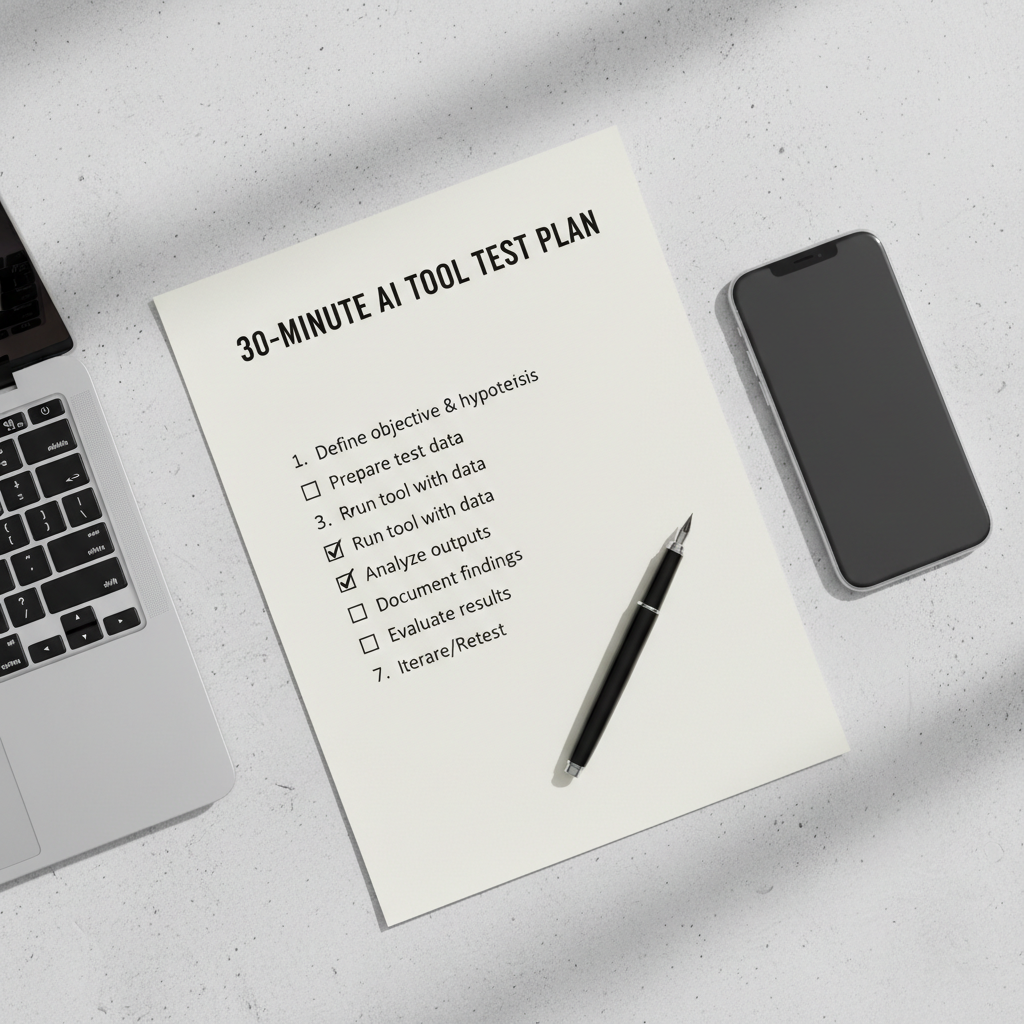
Practical 30-minute test plan (so “free” stays useful)
This is the fastest way I know to evaluate best free ai tools 2026 without getting stuck in feature pages.
- Minute 1–5: run one real task, not a demo prompt (your actual email, your actual meeting audio, your actual outline).
- Minute 6–15: force a revision cycle: “shorter,” “more direct,” “match my tone,” “add 3 options,” then see if quality holds.
- Minute 16–25: test export and reuse: copy to Google Docs, download an image, export captions, move code into your IDE.
- Minute 26–30: check the limits: daily caps, watermark rules, commercial use language, and whether your content is used for training.
Common mistakes with free AI tools (and how to avoid them)
Most frustration comes from mismatched expectations, not “bad AI.” A few patterns show up again and again.
- Chasing one perfect tool: you end up with a messy workflow. Pick a small stack and document it.
- Ignoring rights and privacy: free tiers may have different terms. If you work with sensitive info, consider anonymizing inputs and asking your org for guidance.
- Not saving prompts: your best prompt is an asset. Keep a simple prompt library in a doc.
- Trusting outputs blindly: treat AI text and summaries as drafts. According to APA, responsible use of AI includes transparency and careful validation when accuracy matters.
Conclusion: a realistic way to get value from free AI in 2026
The best free ai tools 2026 are the ones you can repeatably use under real limits, with exports you can keep and policies you can live with. You don’t need a massive toolkit, you need a reliable routine.
Action steps: choose one primary tool for your biggest weekly task, run the 30-minute test plan, then add a second specialist tool only if the first can’t cover your output quality or format needs.
If you want, reply with your main use case (writing, marketing, school, dev, video) and what “free” must include for you, and I’ll suggest a short shortlist to test.