
Best phone tripods for content creators usually come down to one thing, how quickly you can get stable, repeatable shots without turning setup into a whole project.
If you film Reels, TikToks, YouTube Shorts, livestreams, or even simple product demos, a tripod is less about “standing a phone up” and more about keeping framing consistent, reducing shaky footage, and freeing your hands for lighting, audio, and performance.
The catch, tripods look similar online, but they behave very differently in real life, some wobble when you tap the screen, some can’t get low enough for tabletop shots, and some are annoying to carry so you stop using them. This guide sorts the common tripod styles, what to look for, and which type fits your workflow.
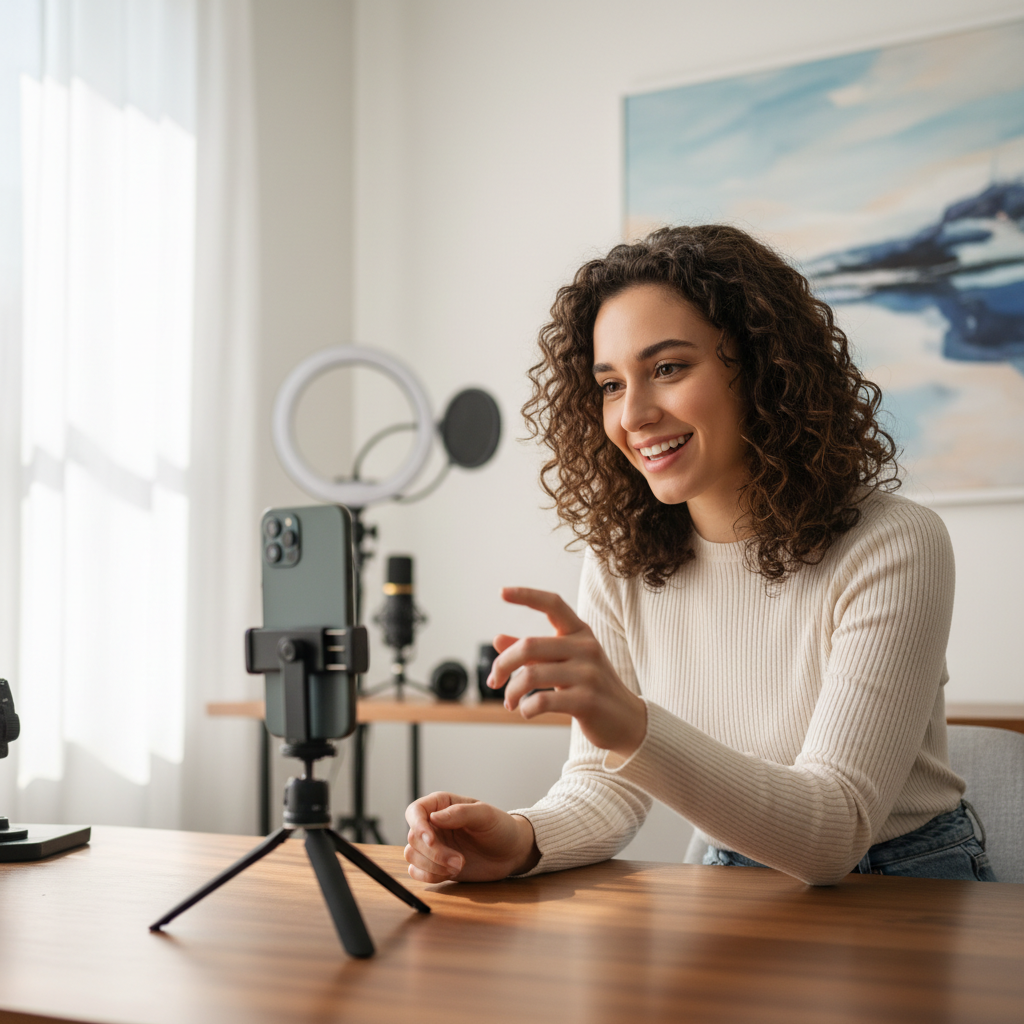
What makes a phone tripod “creator-friendly”
A creator-friendly setup feels stable the second you touch your screen, and it adjusts fast. That’s the real test. You want less fiddling, more recording.
- Stability under interaction: tapping to focus, starting a timer, or adjusting exposure should not shake the frame.
- Speed: quick leg locks, easy height changes, and a mount that doesn’t require two hands and patience.
- Vertical + horizontal support: many creators live in vertical, but still need landscape for YouTube or client work.
- Repeatable framing: markings, reliable head tension, and no slow “droop” after you tighten everything.
- Portability you’ll actually carry: if it’s bulky or heavy, it stays home, and the “best” tripod becomes irrelevant.
According to Apple Support, using a stable mount can improve results for low-light and longer exposures because it reduces motion blur, which is a practical reminder that stabilization affects more than just shaky video.
Quick comparison table: choose your tripod type
This isn’t about one winner, it’s about matching the tool to how you shoot. Use this table to narrow the field before you shop.
| Tripod type | Best for | Strengths | Watch-outs |
|---|---|---|---|
| Mini tabletop tripod | Desk shots, product demos, talking head at a table | Fast, compact, easy to place | Limited height, can tip if top-heavy |
| Full-size tripod (travel) | Standing shots, wide framing, consistent studio angles | More stable, better height range | Heavier, slower setup if cheap locks |
| Flexible “gorilla” legs | Wrapping on poles, railings, odd angles | Versatile placement | Can sag over time, not as rigid |
| Selfie stick tripod hybrid | Travel creators, quick outdoor clips, vlogging | One tool for handheld + tripod | Usually less stable at full height |
| Overhead/boom-style mount | Cooking, unboxing, top-down tutorials | True overhead framing | Needs counterbalance, can drift if flimsy |
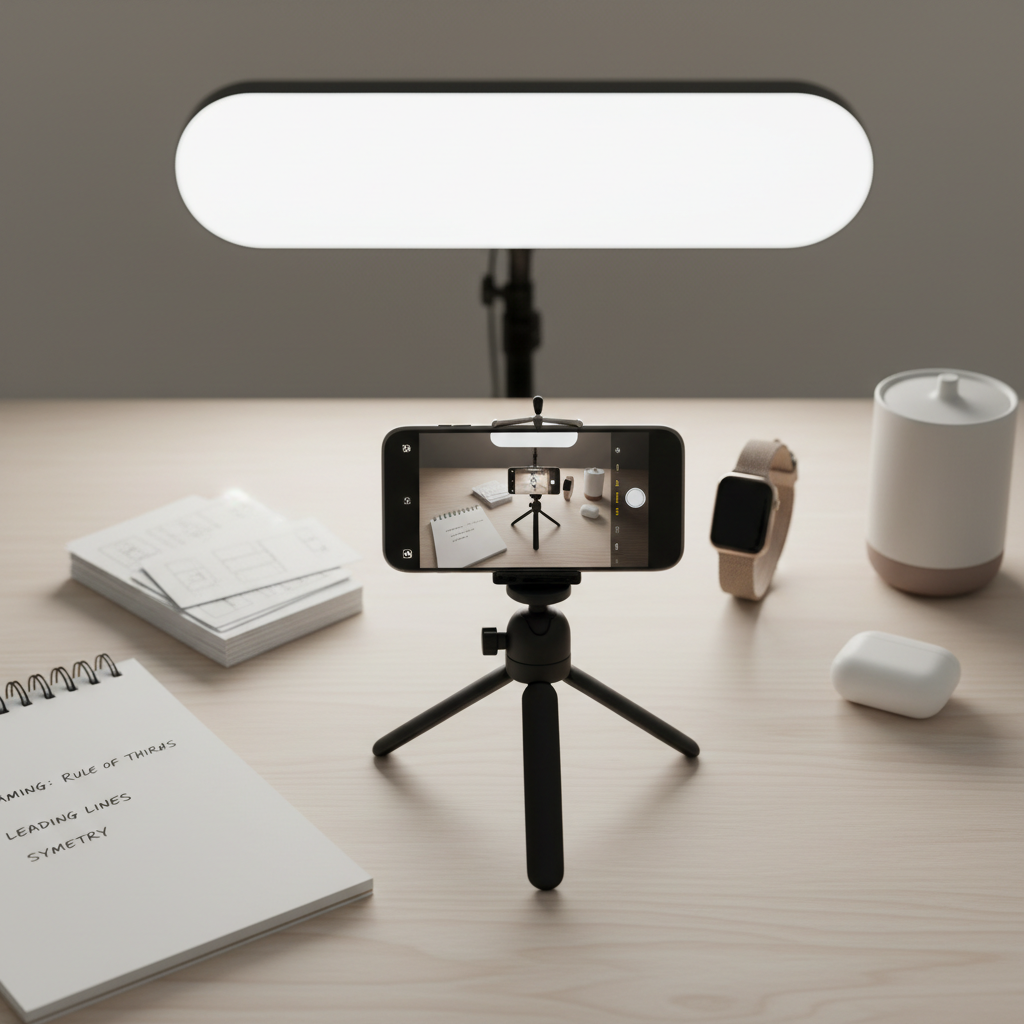
Best phone tripod styles for common creator scenarios
Rather than name-dropping random models, it’s more useful to pick a style that consistently works for your use case. Many creators end up owning two, a small one for speed, a taller one for “serious” shots.
1) Talking-head vertical video (Reels/TikTok/Shorts)
- Look for a full-size travel tripod or a sturdy mini tripod on a riser surface.
- Prioritize quick height changes and a head that holds angle without slipping.
- If you use a teleprompter or read notes, stability matters more because tiny shakes look bigger.
2) Livestreams and long recordings
- Choose a tripod with a reliable phone clamp and strong spring tension.
- Consider a head that allows micro-adjustments, sudden “flops” mid-stream feel brutal.
- Plan power and heat: many phones warm up, keep airflow around the device and avoid clamping on buttons.
3) Travel creators and run-and-gun filming
- A selfie stick tripod hybrid can be the most practical, you’ll deploy it more often.
- In wind or crowds, keep the center column low and add weight if possible.
- If you shoot outdoors frequently, leg locks that don’t clog easily are a real quality-of-life feature.
4) Product demos and tabletop content
- A mini tabletop tripod is usually fastest and keeps your setup clean.
- Pair with a clamp mount or small ball head so you can aim down slightly without the whole thing tipping.
- If you tap the screen a lot, pick a heavier base or rubber feet that grip.
5) Overhead shots (food, crafts, unboxing)
- Use an overhead/boom-style mount or a full tripod with a horizontal arm.
- Counterbalance matters, a phone is light, but the leverage still makes cheap arms drift.
- Do a quick safety check, if it’s over food, laptops, or people, stability is not the place to gamble.
Self-check: pick the right setup in 60 seconds
If you answer these quickly, your “best” choice becomes obvious, and you avoid paying for features you won’t use.
- Most of my videos are: vertical / horizontal / mixed
- I usually film: at a desk / standing / outdoors / overhead
- I change locations: never / weekly / daily
- I touch my phone while filming: rarely / sometimes / constantly (focus, zoom, notes)
- My phone setup is: bare phone / case / case + MagSafe wallet / case + mic receiver
- My pain point today: shaky footage / bad angles / slow setup / inconsistent framing
Many people buy for height and forget interaction stability. If your footage shakes when you press record, you’ll feel it in every clip, even if the tripod “looks” tall and premium.
Practical buying checklist (features that actually matter)
This is where the “best phone tripods for content creators” conversation gets real, tiny details decide whether you enjoy using it.
- Phone mount type: spring clamp works widely, MagSafe mounts can be faster, but verify your case and magnet strength.
- Head choice: ball heads adjust quickly; 3-way heads feel slower but can be more precise for repeatable framing.
- Leg locks: twist locks pack slimmer; flip locks adjust fast, preference matters more than dogma.
- Maximum height vs real stability: a tall, thin extended column often wobbles, treat max height as marketing until proven.
- Feet and grip: rubber feet help on tile and desks; spikes help outdoors, but can scratch indoor floors.
- Accessory mounting: if you run a mic receiver or small light, look for cold shoe options or a cage-compatible mount.
- Portrait switching: the best setups switch to vertical without awkward adapters or loosening everything.
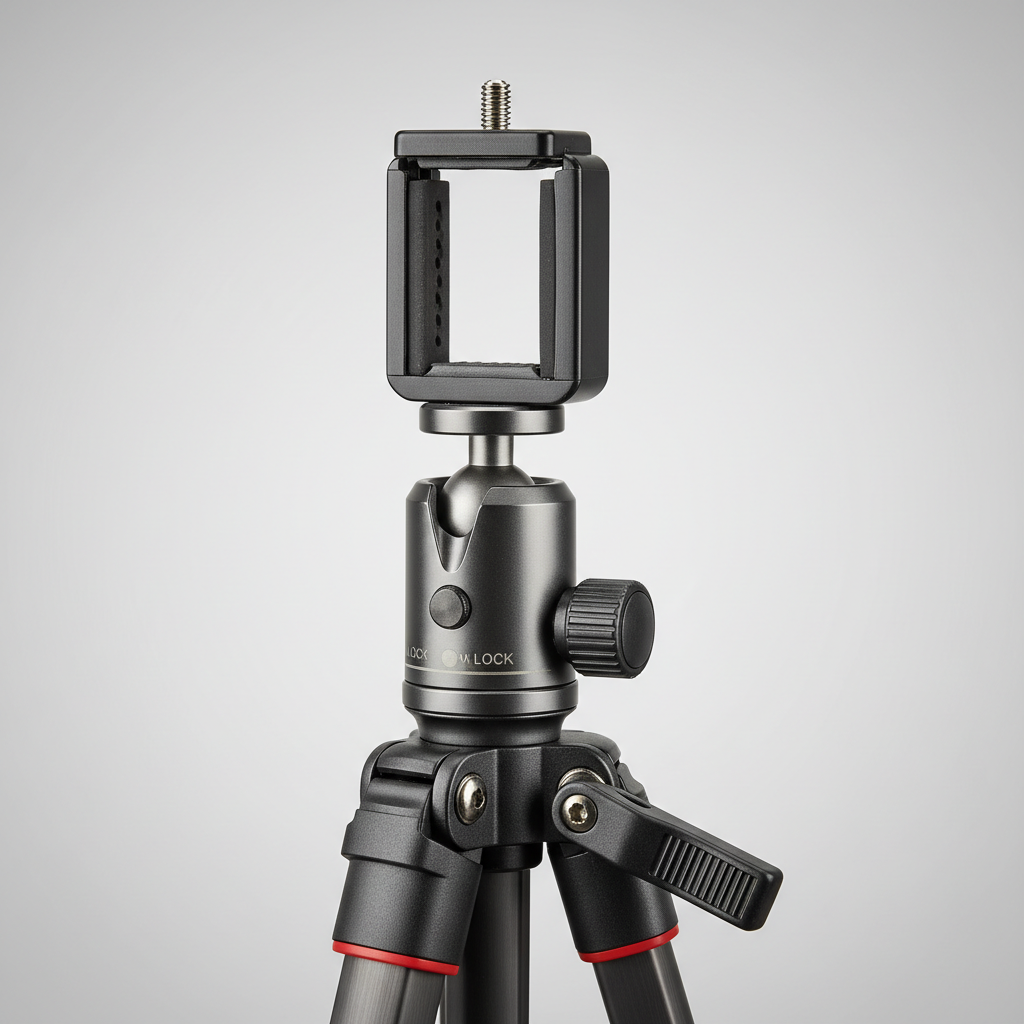
Setup steps that make any tripod work better
You can upgrade results without buying anything new. The goal is to reduce wobble, speed up resets, and keep shots consistent across takes.
Dial in stability first
- Keep the tripod lower than you think, then raise only what you need.
- Avoid extending a center column fully unless the tripod stays rock-solid.
- On smooth surfaces, place a non-slip pad under the feet, even a thin rubber mat helps.
Make framing repeatable
- Mark a “home spot” on the floor with tape for the tripod and your standing position.
- Save a reference frame screenshot so you can match angles next time.
- If you shoot product demos, keep a consistent distance, it makes editing feel cleaner.
Reduce shake when you touch the screen
- Use a timer, remote shutter, or voice control when possible.
- If you must tap to focus, do it gently, then give the tripod a second to settle before speaking.
According to YouTube Help, clear audio and a consistent viewing experience matter for audience retention, and stability is part of that “consistent experience,” even when the content itself is great.
Common mistakes (and how to avoid wasted money)
- Buying the tallest tripod and filming at full extension, it often creates wobble, not “pro quality.”
- Ignoring your real phone setup, a thick case, attached mic, or small light can make clamps slip or tilt.
- Overpaying for “all-in-one” kits that include weak lights and flimsy mounts, sometimes the tripod is fine, the accessories are the problem.
- Skipping safety checks for overhead, if it’s above a stove, laptop, or someone’s face, treat stability as a requirement, not a preference.
If you share space with kids or pets, consider where you place the tripod legs, tripping hazards are real, and it’s worth keeping walkways clear.
Key takeaways and a simple recommendation path
If you want a clean decision without spiraling into specs, pick based on your most frequent shoot.
- Mostly desk content: start with a stable mini tabletop tripod, then add a taller tripod only if you need standing shots.
- Mostly talking-head standing shots: a travel full-size tripod with a dependable head pays off quickly.
- Mostly travel: a selfie stick tripod hybrid is often the one you’ll use every day.
- Mostly overhead: buy specifically for overhead stability, not a “maybe it can do it” tripod.
Once you match the style to your workflow, the best phone tripods for content creators stop feeling mysterious, and your content starts looking consistent even before you touch color or transitions.
If you’re choosing today, write down your top two filming scenarios and one annoyance you refuse to deal with again, then shop for that, not for a spec sheet.
FAQ
- What are the best phone tripods for content creators who film mostly vertical video?
Look for a tripod that switches to portrait fast and stays stable when you tap the screen. A travel tripod with a strong head or a heavy mini tripod both work, depending on whether you film standing or at a desk. - Do I need a ball head or a 3-way head for my phone tripod?
Ball heads adjust quickly and suit creators who move fast. A 3-way head can feel slower but helps if you want precise, repeatable alignment for product demos or consistent studio angles. - Are MagSafe tripod mounts secure enough for filming?
Often they’re convenient, but security depends on your phone, case, magnet strength, and movement. If you do overhead shots or active filming, a clamp mount can feel safer. - Why does my tripod shake when I touch my phone screen?
It’s usually a combination of light tripod weight, extended center column, and a weak head or mount. Lowering the height, tightening the head, and using a timer or remote typically reduces visible shake. - Can I use a cheap flexible tripod for overhead shots?
Many flexible legs are better for wrapping around objects than holding a steady overhead frame. For anything above valuables or people, a dedicated overhead mount is the safer direction. - What height should my phone tripod be for talking-head videos?
Aim to place the lens around eye level, then adjust slightly based on your framing. If you must raise high, prioritize a sturdier tripod over maximum extension. - Is a tripod necessary if my phone has built-in stabilization?
Phone stabilization helps, but it doesn’t replace a locked-off shot, especially for talking-head, product demos, or low light. In many workflows, the tripod is what makes recording feel repeatable.
If you’re shopping and want a more “set it and forget it” setup, start by choosing the tripod style that matches your main filming scenario, then add one solid mount and one simple remote, it’s usually a smoother upgrade than chasing an expensive all-in-one kit.