
Best budget mechanical keyboards can feel like a gamble under $50, because listings look similar while the typing feel, noise, and build quality can be wildly different. The good news, you can still land a board that feels crisp and reliable if you shop with a few practical rules in mind.
Most people end up disappointed for the same reasons, picking the wrong switch type for their space, overlooking layout quirks, or getting distracted by RGB while ignoring stabilizers and keycap quality. Under $50, those “small details” matter more than branding.
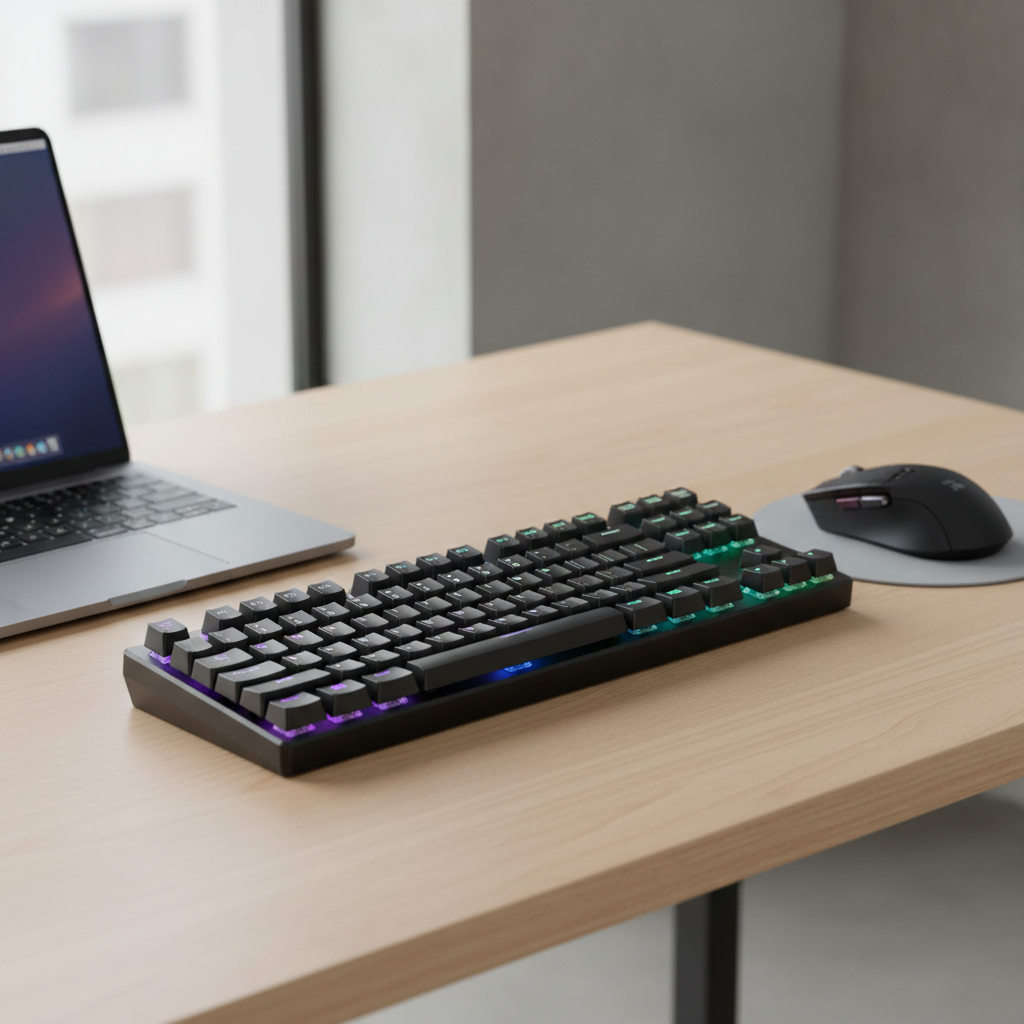
This guide narrows it down to what actually changes your day-to-day experience, how to quickly tell if a cheap board is “fine” versus frustrating, and a short list of models and feature sets that usually deliver good value in the US market.
What “good under $50” really means (and what it usually doesn’t)
At this price, you’re typically trading premium materials for basics that still work well. That’s not a bad deal, as long as you know what corners brands tend to cut.
- Expect: plastic cases, decent switches, basic software, lighter keycaps, and some ping without mods.
- Maybe: hot-swappable switches, foam, a volume knob, better stabilizers, or 2.4GHz wireless, but rarely all together.
- Don’t count on: thick PBT keycaps, perfectly tuned stabilizers, silent acoustics, or premium wireless latency.
Also, a quick reality check, “mechanical” in listings is sometimes messy. According to FTC guidance on advertising, marketing claims should not be misleading, so if a listing feels vague about switch type, treat it as a yellow flag and read the spec sheet carefully.
Key factors that matter most when choosing a budget mechanical keyboard
If you only compare three things, make it these. They have the biggest impact on comfort and regret levels.
Switch type (feel + noise)
- Linear (often “Red”): smooth, usually quieter, popular for gaming and shared spaces.
- Tactile (often “Brown”): a small bump, good for typing without being too loud.
- Clicky (often “Blue”): loud click, satisfying for some, risky if you share a room.
Under $50, switch names can be “inspired by” common colors but not identical. If the brand doesn’t name the actual switch family, look for words like hot-swap, 3-pin/5-pin, and actuation force ranges.
Layout (what you give up, what you keep)
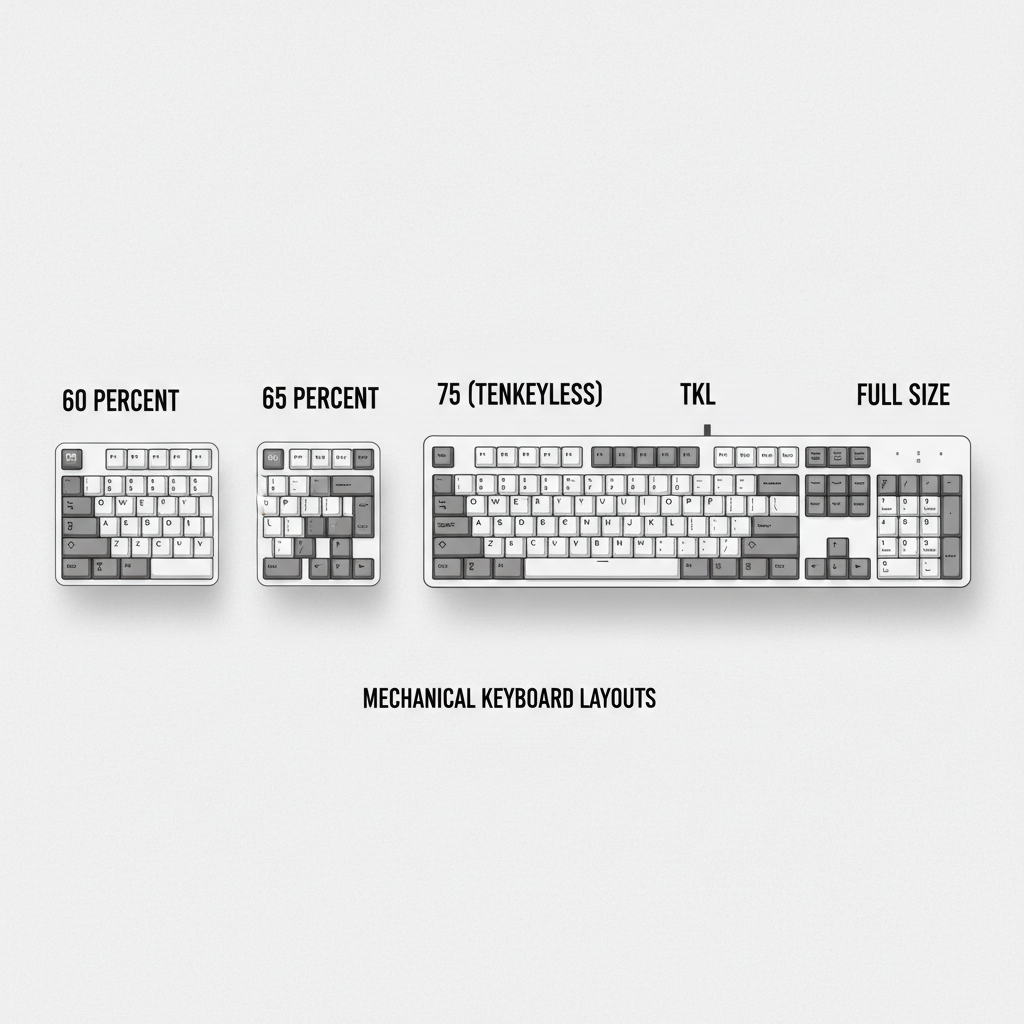
- Full-size (100%): numpad included, great for spreadsheets, larger footprint.
- TKL (87%): keeps arrow keys and function row, drops numpad.
- 75% / 65%: more compact, keeps arrows (usually), may change key placements.
- 60%: smallest common layout, heavy reliance on layers for arrows/F-keys.
Many “budget mechanical keyboards” disappoint because the buyer didn’t anticipate the layout changes. If you use Home/End/Delete daily, check the photos for those keys, not the bullet list.
Stabilizers and keycaps (the hidden quality signals)
Spacebar and big keys rattle when stabilizers are poor. You can fix it later, but it’s annoying out of the box. Thin ABS keycaps also shine and sound higher-pitched, not “bad,” just a different feel.
A quick comparison table: what to buy under $50 (by use case)
Prices swing with sales, so treat these as common “value picks” rather than permanent price tags. The goal is to match a typical feature set to your needs.
| Pick type | Best for | What you usually get | What to watch |
|---|---|---|---|
| 60% hot-swap board | Gaming, small desks | Compact size, swap switches later | No dedicated arrows, layers take time |
| 65%/75% wired | Mixed work + play | Arrows, tighter layout, often better value | Nonstandard key sizes can limit keycap sets |
| TKL wired | Typing comfort | Function row + arrows, familiar feel | Case can feel hollow, some ping |
| Full-size entry board | Office, accounting, school | Numpad, simple controls | Cheaper stabilizers are more noticeable |
| Budget wireless (Bluetooth/2.4) | Minimal cables, couch setups | Wireless convenience, sometimes multi-device | Battery life claims vary, wake lag can happen |
Top budget models that are often under $50 (US shopping reality)
Model availability changes fast, but a few names show up repeatedly in the under-$50 tier and usually meet expectations. Consider these a shortlist to cross-check during sales.
- Redragon (K552/K556 variants): commonly sturdy for the money, easy entry point, but stock stabilizers can be noisy.
- Royal Kludge (RK61/RK68 when discounted): compact layouts, often wireless options, software can be hit-or-miss.
- Keychron (older models on sale): not always under $50, but worth watching for deals; layout quality tends to be solid.
- E-Yooso / MageGee / similar budget brands: can be fine if specs are clear, quality consistency varies by batch.
When you see “mechanical-feel” or unclear switch language, slow down. Many shoppers assume it means true mechanical switches, but it can describe membrane or hybrid designs.
Self-check: how to tell if a cheap keyboard listing is actually a good buy
If you’re comparing tabs and everything looks the same, use this checklist to break the tie.
- Switch info is specific: switch type, pin count, hot-swap sockets (if applicable).
- Layout photos show the keys you need: arrows, Delete, function row, numpad.
- Return policy is easy: especially important for feel and noise preferences.
- Connection specs are clear: wired vs Bluetooth vs 2.4GHz, battery size, charging port.
- Keycap compatibility hints: standard bottom row is a plus if you plan upgrades.
- Stabilizer notes or reviews mention rattle: one honest review about stabilizers is more useful than 500 generic ones.
One more signal people forget, weight. A slightly heavier board often feels more stable and less hollow, though it’s not a guarantee.
Practical buying paths (pick one and stop overthinking)
There are too many decent options, so choosing a path helps you move faster without buying twice.
If you mainly game
- Look for linear switches, a solid wired connection, and a layout you already know.
- Prioritize TKL or 60% for mouse space, but only choose 60% if layers won’t annoy you.
- Skip “macro heavy” marketing, basic remapping usually covers what you need.
If you mainly type for school or work
- Choose tactile if you want feedback without the click.
- Stick with TKL or full-size if you use function keys and navigation keys a lot.
- Spend your attention on stabilizers and key feel, not RGB patterns.
If you want a “starter board” to upgrade later
- Pick a hot-swappable model, even if the stock switches are just okay.
- Check it supports common switch standards and has a fairly standard layout.
- Plan small upgrades: better switches, thicker keycaps, stabilizer lube.
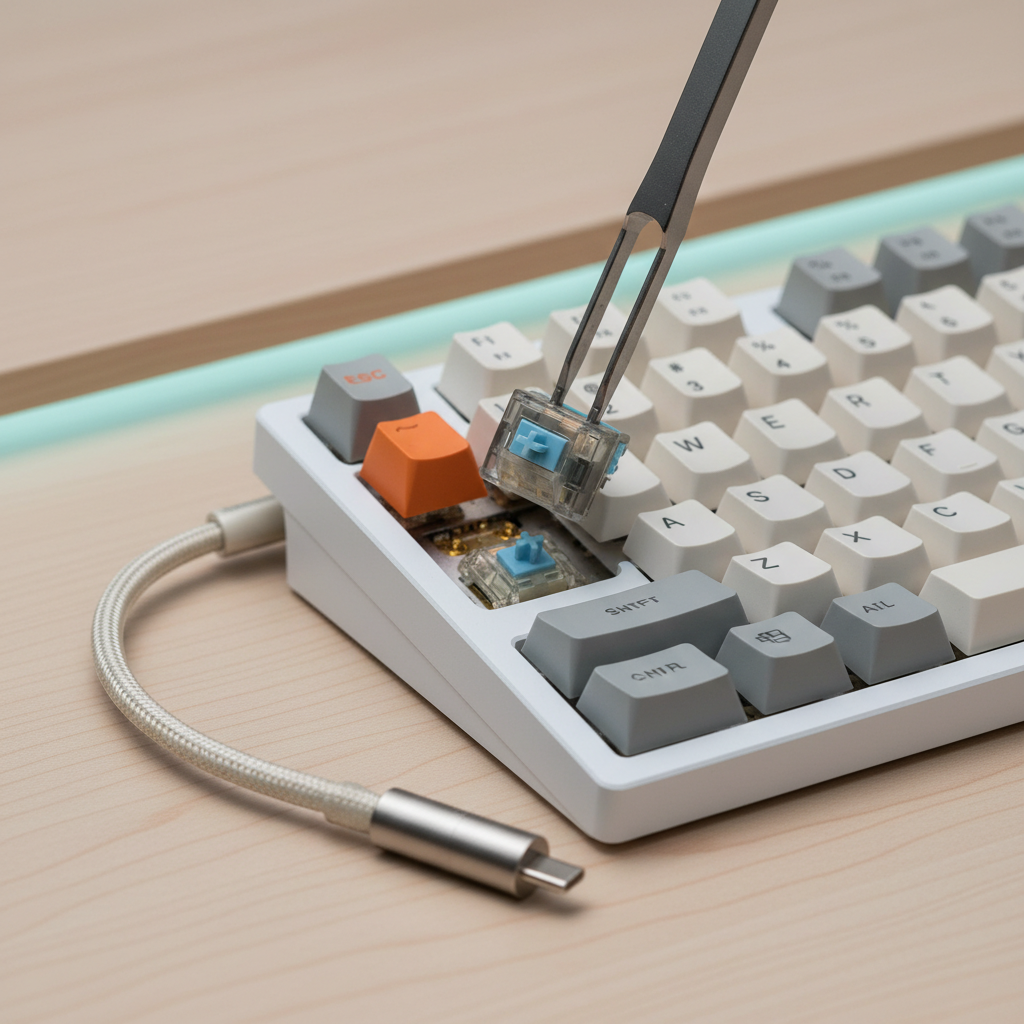
Easy tuning: make a $50 keyboard feel more expensive (without going full hobbyist)
You don’t need a full modding toolkit. A few small moves often make budget mechanical keyboards sound and feel noticeably better.
- O-rings (optional): can reduce bottom-out clack, but may make keys feel mushy, not everyone likes it.
- Simple case foam: reduces hollowness, but only if the case has space and you don’t pinch cables.
- Stabilizer tuning: even light lubrication can cut rattle, but use a safe lubricant and go sparingly.
- Keycap swap: thicker caps usually deepen sound and improve feel, just confirm sizes first.
If you’re unsure about lubricants or opening the case, keep it basic and reversible. You’re trying to improve the experience, not create a weekend project.
Common mistakes that waste money under $50
- Buying clicky switches for a shared space and then hating the noise a week later.
- Assuming wireless equals “good for gaming”, some budget wireless models have wake delay or inconsistent performance.
- Ignoring keycap sizes, some compact boards use nonstandard shift or bottom-row keys.
- Chasing features over basics, a stable board with decent stabilizers beats flashy RGB with rattly keys.
According to Consumer Reports general guidance on electronics purchases, focusing on reliability, warranty, and return policies tends to reduce buyer remorse. That advice fits keyboards too, especially when feel can’t be judged from photos.
Key takeaways (so you can pick today)
- Match switch type to your space, linear and tactile are safer for most people than clicky.
- Choose layout based on what you actually use, not what looks compact in photos.
- Use the listing self-check to avoid vague “mechanical-feel” traps.
- Plan one small upgrade if you want a nicer sound, stabilizers or keycaps usually matter most.
Conclusion: the smartest way to buy under $50
The best budget mechanical keyboards under $50 are rarely “perfect,” but plenty are genuinely enjoyable when the switch type and layout match your habits. Pick a board with clear specs, an easy return policy, and a layout you won’t fight every day, then consider one small tweak after a week of use.
If you want a simple next step, choose your layout first, then decide between linear or tactile switches, then shop for the best deal among a few reputable budget lines instead of chasing every feature at once.