
budget tv boxes 2026 can be a smart upgrade if your smart TV feels slow, your apps crash, or you just want better streaming without paying premium-box prices.
The catch is that “cheap” boxes vary a lot: some are legit, supported devices with reliable updates, while others are sketchy Android builds that look powerful on paper but struggle with Wi‑Fi, DRM, or long-term app support. And those are the things that quietly ruin movie night.
This guide focuses on what actually matters in the U.S. in 2026: streaming app compatibility, smooth 4K playback, strong Wi‑Fi, and a remote you won’t hate after a week. I’ll also call out where budget shopping backfires, and how to decide quickly if you should spend a bit more.
What “budget” really means for TV boxes in 2026
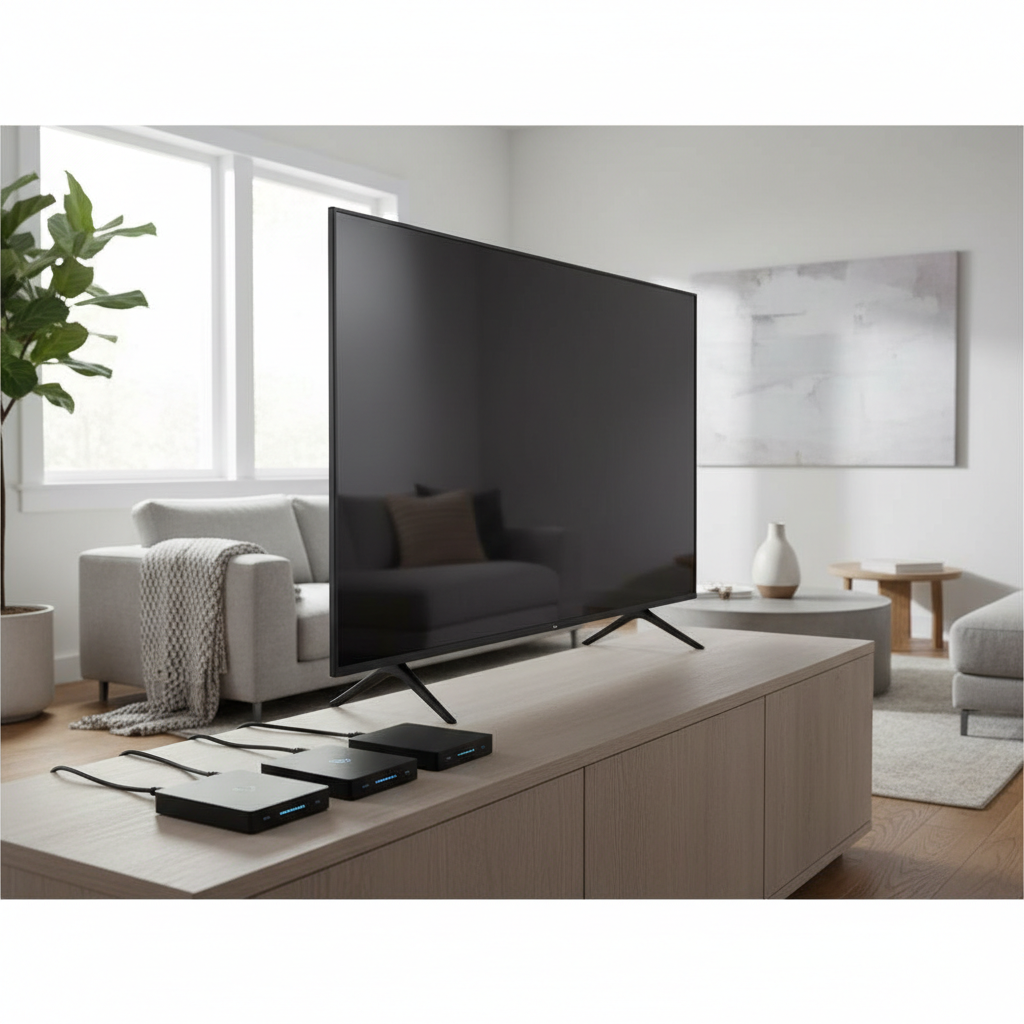
In most U.S. shopping contexts, “budget” usually lands in the $25–$80 range, with occasional sales dipping lower. But price alone doesn’t define value, because two hidden factors decide whether a box feels “cheap” in daily use: software support and streaming certification.
- Certified streaming platform (Roku, Fire TV, Android TV/Google TV): generally better app compatibility and fewer playback surprises.
- DRM + codec support: affects whether Netflix/Prime Video plays in HD/4K, and whether HDR formats actually work.
- Wi‑Fi quality: budget boxes often cut corners on antennas and chipsets, which shows up as buffering even on fast internet.
According to Netflix Help Center, not every device supports the same playback quality and features, and compatibility can depend on both the device and the plan. That’s the practical reason many ultra-cheap “Android TV boxes” disappoint: the app may install, but quality and stability can be limited.
Quick comparison: best TV boxes for streaming (budget picks)
Here’s a practical short list you’ll see commonly available in the U.S. market. Prices shift a lot due to promotions, so treat these as typical ranges, not promises.
| Model (typical) | Best for | Why it’s a budget win | Watch-outs |
|---|---|---|---|
| Roku Streaming Stick (HD/4K variants) | Simple, reliable streaming | Easy setup, broad app support, stable UI | Fewer “tinker” options, performance varies by tier |
| Amazon Fire TV Stick (HD/4K variants) | Prime Video households | Frequent discounts, good voice remote | Heavier Amazon content push, storage can feel tight |
| Onn Google TV box/stick (Walmart line) | Google TV interface on a budget | Great value when in stock, Chromecast built-in | Stock availability and model refreshes vary |
| Certified Android TV / Google TV box (select brands) | Android app flexibility | More settings, sometimes more ports | Only worth it if truly certified and updated |
If your goal is “press play and it works,” the mainstream platforms above usually outperform random low-cost boxes, even when the spec sheet looks weaker.
Why budget TV boxes fail (and how to avoid the common traps)
Most returns and “this thing is slow” complaints come from a few predictable issues, not from a single bad brand. If you understand these, shopping for budget tv boxes 2026 gets much easier.
1) Not truly certified for major streaming apps
A listing may say “supports Netflix/Disney+,” but that can mean “the app can be installed,” not “it streams in 4K with stable DRM.” In real living-room use, that becomes fuzzy picture quality, missing HDR, or random errors.
2) Weak Wi‑Fi and overheating
Small sticks can run warm behind the TV, and some budget chipsets throttle under load. If your Wi‑Fi router is far away or you live in a busy apartment building, weak Wi‑Fi radios show up as buffering even at 1080p.
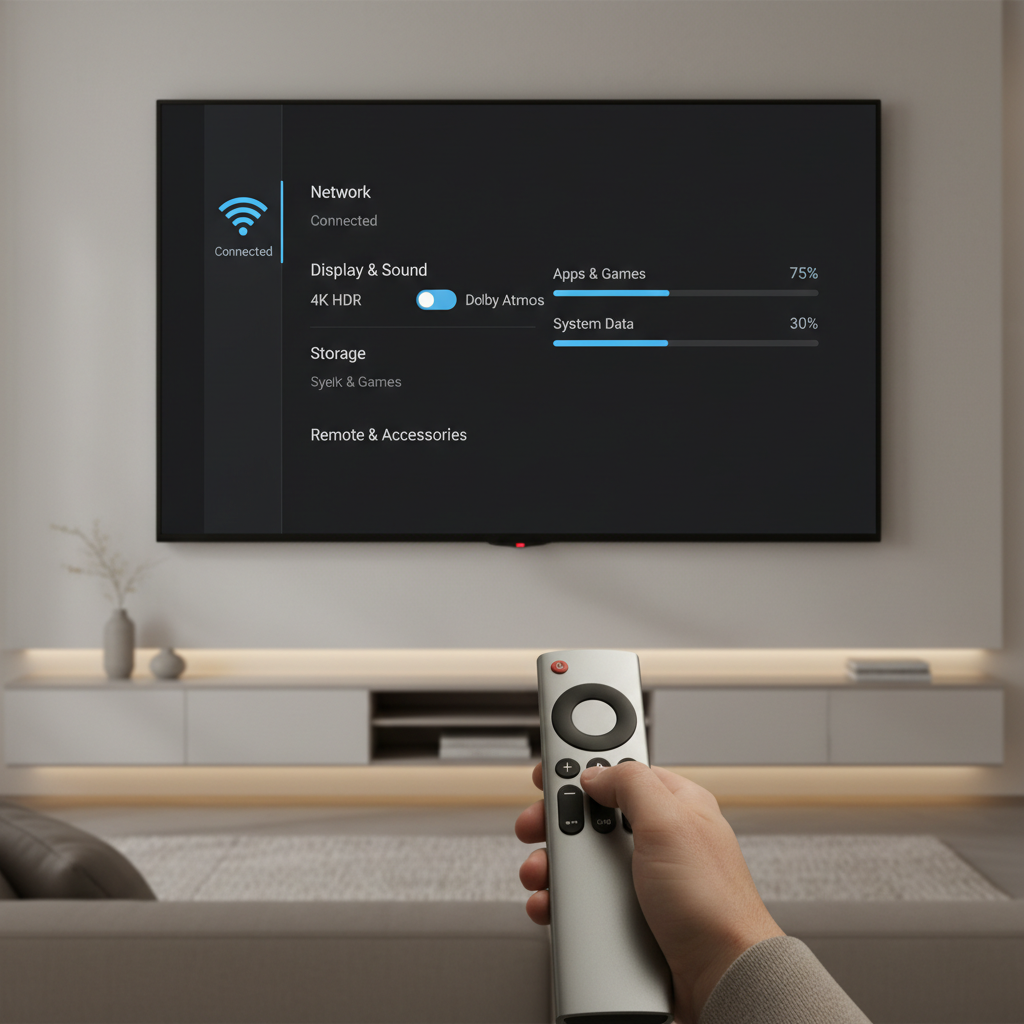
3) Low storage and aggressive background apps
Many budget models ship with limited space. After a few major app updates, you start juggling installs, clearing cache, and wondering why the home screen feels sluggish.
Self-check: which type of streamer are you?
Before you buy anything, decide what “good” means in your house. These quick questions usually point to the right category.
- Do you care about 4K HDR? If yes, confirm your TV supports it, your HDMI port is set correctly, and the box is known to deliver 4K HDR for your key apps.
- Which apps are non‑negotiable? Netflix, Disney+, Hulu, Max, Prime Video, YouTube TV, Sling, Plex, and regional sports apps don’t behave the same on every platform.
- Are you sensitive to ads and content recommendations? Some platforms lean heavier on promoted content; if that annoys you, factor it into “value.”
- Do you need Ethernet? If your Wi‑Fi is inconsistent, a box with Ethernet (or an adapter option) can matter more than a faster CPU.
- Do you want casting from phone/laptop? Google TV/Android TV often makes this easy, but check what you actually use: AirPlay, Chromecast, or something else.
Key point: most people don’t need the “most powerful” box, they need the box that’s stable with their top three apps.
How to choose a budget TV box in 10 minutes (a practical checklist)
If you’re comparing listings and reviews, use this short checklist to avoid expensive mistakes.
- Pick a platform first: Roku, Fire TV, or Google TV. Then choose the model tier inside that platform.
- Confirm 4K + HDR support: If your TV supports Dolby Vision or HDR10+, verify the box supports what you actually use. Otherwise you may get SDR even on a fancy TV.
- Check Wi‑Fi version and real-world reviews: Look for consistent comments about range and stability, not just speed tests.
- Remote matters more than you think: Voice search, TV power/volume control, and responsive buttons make daily use smoother.
- Ports and expandability: If you use wired audio, USB storage, or Ethernet, sticks can be limiting.
According to Federal Trade Commission (FTC), consumers should be cautious with too-good-to-be-true online listings and vague product claims. For streaming boxes, “vague” often shows up as missing model numbers, unclear OS version, and no mention of certifications.
Setup tips to make any budget box feel faster
You can often fix “this box is laggy” without replacing it. Not always, but often enough that it’s worth trying.
Do this first
- Update the OS and apps right after setup, then reboot. Many boxes ship with older firmware.
- Use the TV’s HDMI-enhanced setting if you want 4K HDR. Many TVs default to a “standard” HDMI mode that limits bandwidth.
- Move the box for better signal: If it’s a stick hidden behind the TV, an HDMI extender can reduce heat and improve Wi‑Fi reception.
- Trim unused apps: fewer background processes, fewer update headaches.
If buffering keeps happening
- Test the same stream on your phone in the same room; if both buffer, it’s likely Wi‑Fi/router or ISP congestion.
- Try 5 GHz vs 2.4 GHz Wi‑Fi, whichever is more stable in your space.
- Consider Ethernet if your box supports it, especially for 4K streams.
Common mistakes when shopping for budget tv boxes 2026
A few patterns show up again and again, especially when people buy based on “RAM/ROM numbers” alone.
- Buying uncertified Android boxes for mainstream streaming: they can be fine for local media, but major apps may not behave the way you expect.
- Assuming 4K on the listing equals 4K in every app: app-by-app limitations are real, and sometimes plan limitations matter too.
- Ignoring your TV’s age and ports: older TVs may top out at 1080p, or only one HDMI port supports full bandwidth.
- Chasing “future-proof” too hard: it’s usually better to buy a stable, supported box now than gamble on unknown brands.
If you’re buying for a parent or a guest room, prioritize a simple home screen and a remote with TV power and volume. That’s the kind of “budget upgrade” that feels good every day.
Conclusion: the smartest way to buy in 2026
If you want the cleanest path to hassle-free streaming, stick with mainstream platforms and choose the cheapest model that meets your needs for 4K/HDR, Wi‑Fi stability, and the apps you actually use. That approach usually beats rolling the dice on unknown hardware.
- If you value simplicity: start with a Roku tier that matches your resolution needs.
- If you live inside Prime Video: Fire TV models often go on deep discounts and make sense at the right sale price.
- If you want Google TV features on a budget: look for a certified Google TV device with consistent U.S. support.
Your next step: write down your top three apps and whether you truly need 4K HDR, then pick a certified device that matches those requirements. You’ll avoid most buyer’s remorse that way.
FAQ
- What are the best budget tv boxes 2026 for Netflix in 4K?
Look for devices on major platforms that are known to be certified and widely supported. In practice, mainstream Roku/Fire TV/Google TV options are less risky than generic boxes, especially for consistent 4K playback. - Is a cheap Android TV box the same as Google TV?
Not necessarily. “Android box” can mean many things, including uncertified builds. Google TV is a specific interface and ecosystem; certification and updates matter as much as the OS name. - Do I need more RAM for smooth streaming?
For most people, RAM matters less than software optimization and Wi‑Fi stability. A well-supported device can feel smoother than a “high RAM” box with messy firmware. - How can I tell if a device will support my apps?
Check the official app store for that platform and confirm the exact model. If the listing is vague, look for the model on the app’s official help pages when available. - Why does my box say 4K but streams in HD?
This can happen due to app limitations, DRM/certification issues, HDMI settings on your TV, or even your streaming plan. Try enabling enhanced HDMI mode on the TV and confirming in-app playback settings. - Is it worth upgrading from a built-in smart TV system?
Often yes, especially if your TV is a few years old and apps feel sluggish. A low-cost external box can bring faster updates and a better remote experience. - What internet speed do I need for 4K streaming?
It varies by service and home network conditions. If your connection is inconsistent, improving Wi‑Fi placement or using Ethernet can matter more than raw ISP speed.
If you’re trying to pick between two similarly priced options and you want a more “no surprises” setup, focus on certified platform support, Wi‑Fi reliability, and remote usability, then buy from a retailer with easy returns so you can test it in your actual living room.