
Phone battery replacement tips start with one simple idea, don’t guess based on age alone, watch how your phone behaves day to day and match that to a few clear warning signs.
If you’re here because your battery drops from 40% to 10% in minutes, or your phone dies even when the indicator says it has charge, you’re not being picky, those are the kinds of symptoms that often separate “normal wear” from “it’s time to act.”
This topic matters because a tired battery doesn’t only mean less screen time, it can cause throttling that makes the phone feel slow, random shutdowns that ruin navigation or calls, and in rare cases physical swelling that becomes a safety issue.
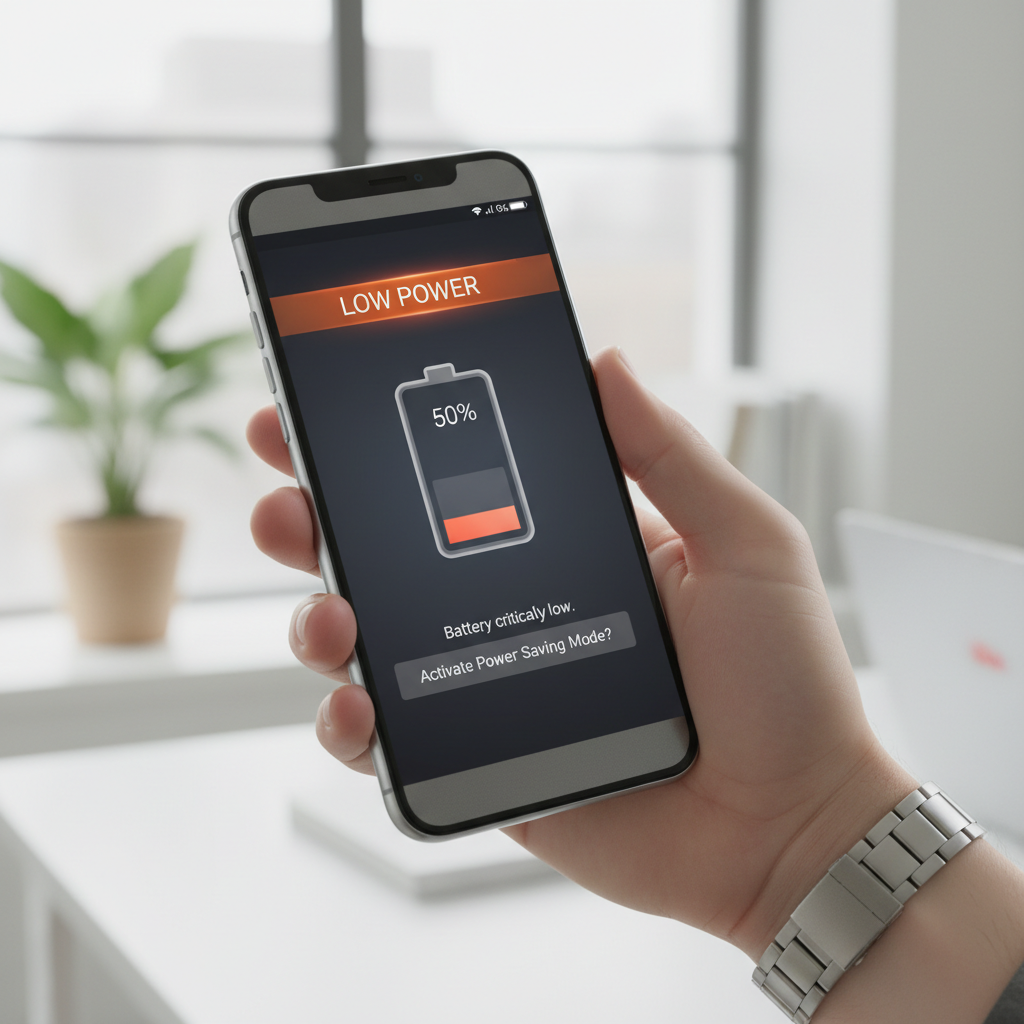
What I’ll do below is help you decide which bucket you’re in, normal aging, fixable settings or app issues, or a battery that’s truly at end-of-life, then walk through practical steps, what to avoid, and when to hand it off to a pro.
What “battery wear” really looks like (and what it doesn’t)
Most phone batteries are lithium-ion, they’re designed to lose capacity over time, so some decline is expected. The tricky part is separating “capacity loss” from “weird behavior.” They don’t always show up together.
- Capacity loss: you charge to 100% but get fewer hours than you used to, especially with the same usage habits.
- Voltage instability: the phone shuts off at 20–40% or the battery percentage jumps around.
- Thermal issues: the phone runs hot during light tasks, then drains faster, heat can accelerate wear.
What often gets misread as a “bad battery” is actually a software or usage spike, like a new app running background location, a weak signal area forcing the modem to work harder, or a recent OS update finishing indexing for a day or two.
According to Apple Support, iPhone batteries are designed to retain up to 80% of their original capacity at 500 complete charge cycles under ideal conditions, which gives you a rough reference point, not a countdown timer.
Clear signs it’s time to replace your phone battery
Some symptoms are annoyances, others are stop-what-you’re-doing warnings. If you want a fast decision, pay attention to the ones below.
1) Fast drain that doesn’t match your use
If your phone used to last all day and now can’t make it to lunch with the same habits, and this holds for several days, that’s one of the more reliable cues. Use a battery usage screen to confirm it’s not a single app going wild.
2) Unexpected shutdowns or sudden percentage drops
When the phone dies with 15–40% remaining, or it drops in chunks, it often points to voltage sag, not just “less capacity.” In practice, this is when people start missing alarms and losing work.
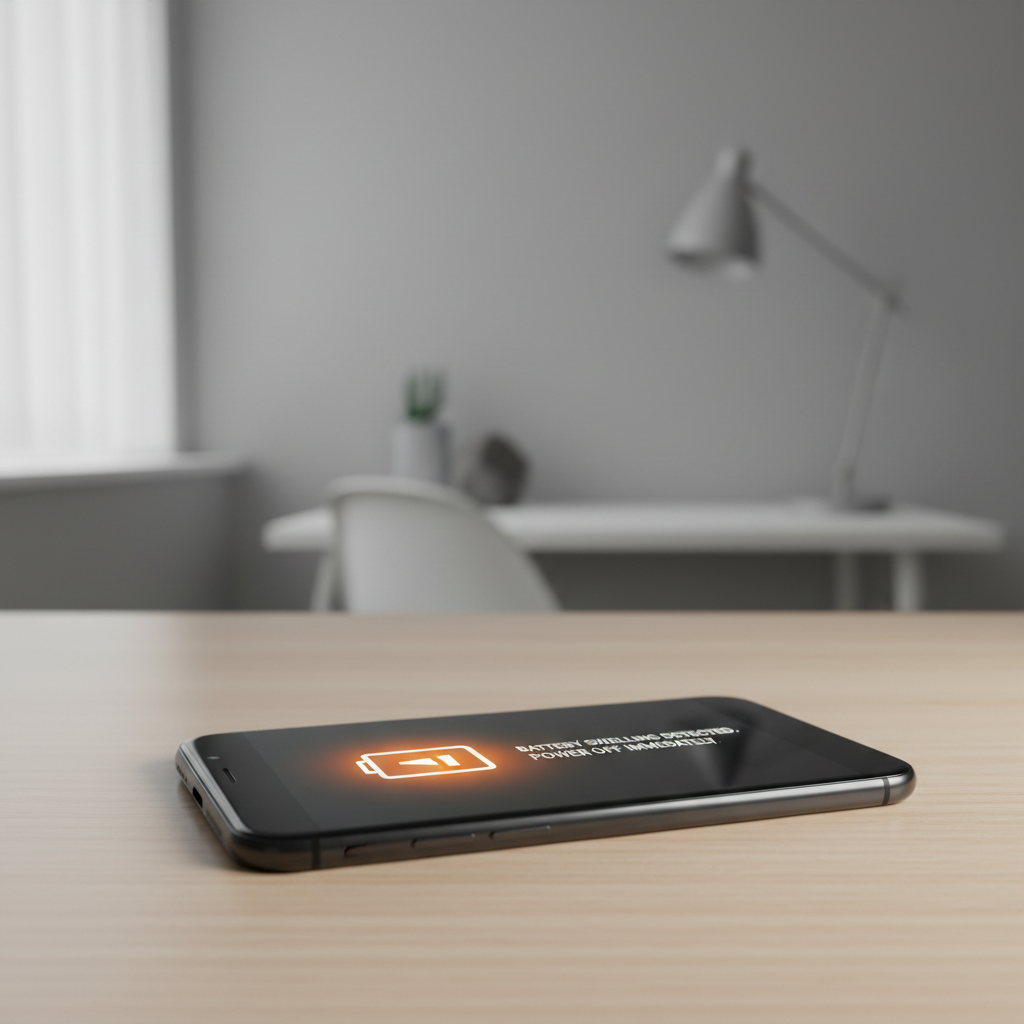
3) Noticeable swelling, screen lift, or case bulge
This is the big one. If the screen is lifting, the back looks bowed, buttons stop clicking normally, or the phone rocks on a flat table, treat it as a safety concern. Don’t press it down, don’t keep charging it overnight, and consider professional service quickly.
4) Charging becomes unreliable
Before blaming the battery, rule out cable, adapter, and port lint, but if you’ve checked those and the phone still charges painfully slowly, stops at 80–90% unpredictably, or only charges at certain angles, a battery or charging circuit issue becomes more likely.
5) Heavy performance throttling you can feel
Some phones reduce peak performance to prevent shutdowns when the battery can’t supply power. If your phone feels sluggish mainly when the battery is low or cold, and it improves right after charging, that pattern often aligns with battery aging.
Quick self-check: do you need a replacement or just a reset?
Use this as a quick triage. It’s not medical-grade certainty, it’s just a practical way to avoid replacing a battery when a setting or app is the real culprit.
- Likely battery wear: shutdowns above 20%, large percentage jumps, battery health shows low capacity, phone heats under light use.
- Likely software/app issue: one app dominates battery usage, drain started right after installing an app or updating OS, drain happens only in one location (bad signal).
- Likely charging accessory/port issue: charging cuts in and out, different cable fixes it, port feels loose, visible debris in port.
If you’re on iPhone, check Battery Health (Settings → Battery → Battery Health & Charging). On Android, the exact menu varies by brand, but “Battery” and “Usage” screens still tell you which apps and radios are consuming power.
According to the U.S. Consumer Product Safety Commission (CPSC), lithium-ion batteries can pose fire hazards if damaged or improperly handled, so if you suspect swelling or physical damage, leaning toward professional help is usually the safer call.
Decision table: replace now, wait, or troubleshoot first
If you like a crisp decision, this table is the closest thing to a “rule of thumb” that still respects real-world nuance.
| What you’re seeing | Try first | Replace battery? |
|---|---|---|
| Battery drains fast, no shutdowns, apps show one big offender | Update app, limit background activity, check location permissions | Usually wait |
| Random shutdowns at 20–40% | Update OS, recalibration steps (see below), check for extreme cold use | Often yes |
| Battery health/capacity looks low and screen-on time is clearly reduced | Battery optimization, reduce peak brightness, verify no rogue app | Commonly yes if it affects daily use |
| Charging flaky unless cable is held “just right” | Clean port carefully, swap cable/adapter, test another outlet | Not automatically |
| Swelling, screen lifting, cracking sounds, phone rocking on table | Stop using, power down if possible, seek service | Yes, urgently |
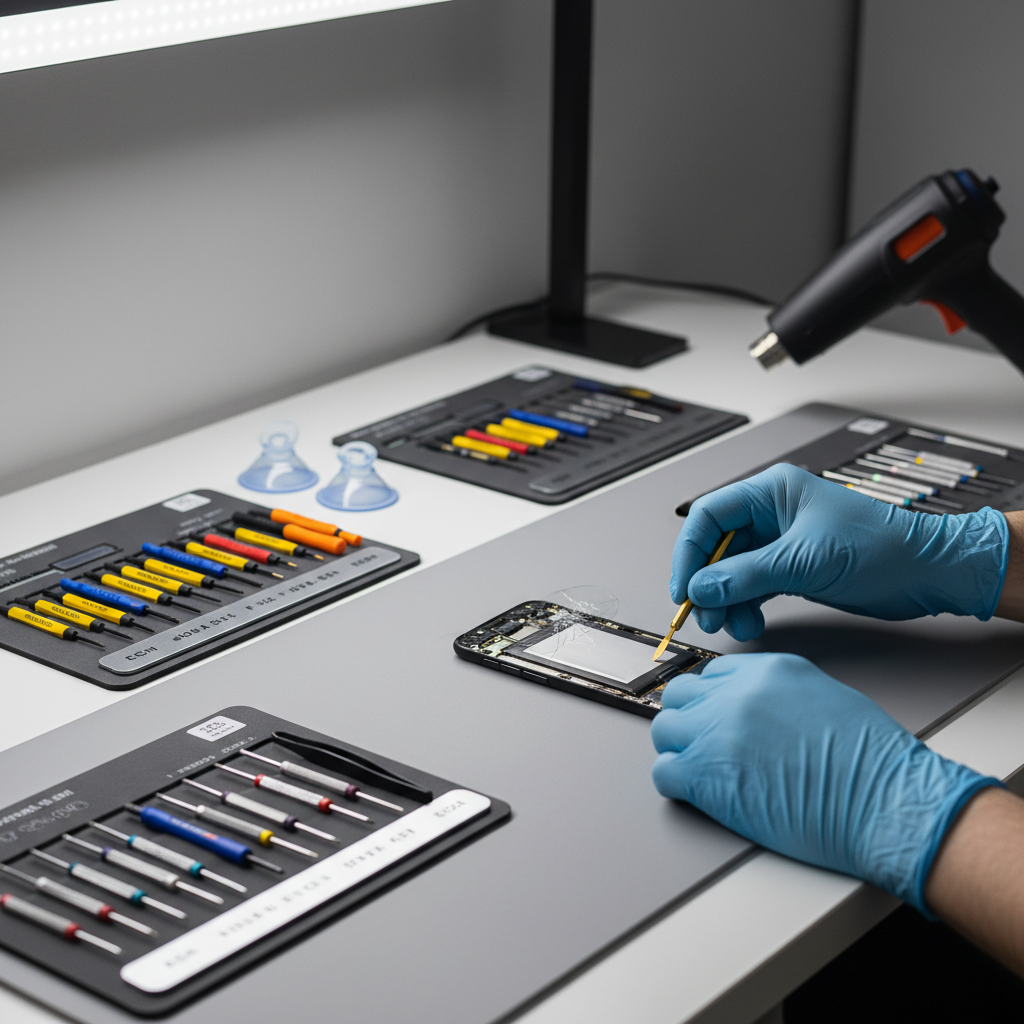
Practical fixes to try before you pay for a battery
Good phone battery replacement tips include knowing when not to replace yet. A few checks can save money, and they’re fast.
Audit what’s actually draining power
- Open battery usage and look for a single app with unusually high background time.
- Turn off background refresh or background data for apps you don’t need updating every minute.
- Check location permissions, “Always” is convenient but expensive.
Reduce the “silent” drains
- Weak cellular signal can drain fast, switching to Wi‑Fi calling (if supported) may help in some homes.
- High brightness and always-on display are frequent culprits, try auto brightness for a week.
- Old widgets and constantly syncing email accounts can add up, especially on older devices.
Battery recalibration: helpful sometimes, not magic
On some phones, letting the battery run down close to empty, then charging uninterrupted to 100% can improve percentage reporting. It won’t “restore” capacity, but it can reduce the stress of inaccurate readings. If you see sudden jumps, it’s worth trying once, not repeatedly.
How to replace the battery safely (by scenario)
Once you’ve crossed the line into replacement, the main choice is where and how. The “right” option depends on warranty, water resistance concerns, and your tolerance for risk.
Scenario A: You want the lowest risk
- Use manufacturer service or an authorized provider, especially if your phone still has warranty or you care about water resistance.
- Back up your phone first, repairs usually go smoothly but it’s the one step you won’t regret.
Scenario B: You want a faster, local fix
- Choose a reputable local shop, ask whether they use OEM or high-quality aftermarket batteries, and whether they reseal the device properly.
- Confirm what happens if Face ID/fingerprint sensors or water resistance are affected, many shops will be candid if you ask directly.
Scenario C: DIY replacement (only if you’re comfortable with it)
DIY can work, but it’s also where people tear cables, crack screens, or puncture cells. According to iFixit, following a model-specific guide and using the right tools reduces mistakes, but it still requires patience and careful handling.
- Power down, avoid metal prying near the battery, and never bend or puncture the cell.
- Buy a battery from a seller with clear specs and return policy, and match the exact model number.
- If the phone has strong adhesives or you need heat to open it, ask yourself honestly whether a shop is the smarter move.
Mistakes that make battery problems worse
A few habits don’t kill a battery overnight, but they can speed up wear, especially when the battery is already tired.
- Living at extreme heat: leaving the phone in a hot car, or gaming while charging in a thick case, heat is a common accelerant.
- Cheap chargers with questionable safety: inconsistent power can cause charging headaches, stick to reputable brands.
- Ignoring swelling: if the phone shape changes, don’t keep squeezing it into a tight case.
- Chasing 100% all day: many phones offer optimized charging, using it can reduce time spent at full charge.
If your day is mostly desk work, keeping the phone between roughly 20% and 80% may reduce stress for some lithium-ion batteries, but perfection here is overrated. The bigger wins usually come from heat control and avoiding deep discharges when possible.
When you should involve a professional (and not keep experimenting)
If you see physical swelling, smell something sweet or chemical, notice excessive heat during charging, or the phone restarts repeatedly, stop troubleshooting and get help. Those situations can be unsafe, and continuing to charge “to test it” may increase risk.
Also consider professional service if the phone is still under warranty, you rely on water resistance, or the device has a glued construction that’s easy to damage during opening. A battery swap should feel boring, not like a high-stakes craft project.
Key takeaways before you decide
- Replace sooner when you see shutdowns above 20%, severe percentage jumps, or any swelling.
- Troubleshoot first when one app dominates drain or the problem started right after an update.
- Heat management often matters more than obsessing over exact charging percentages.
- Backups are part of battery replacement, even when a shop promises a quick turnaround.
Conclusion: a simple way to pick the right moment
If your phone still makes it through your typical day and the only issue is “it’s not like new,” you can usually wait, do a quick battery-usage audit, and adjust a few settings. If reliability has slipped, random shutdowns, dramatic drops, or swelling, that’s the moment to stop hoping and schedule a replacement.
Pick one action today: check your battery usage screen and remove one obvious drain, or, if the warning signs are strong, book service and back up your device before you walk in. Small, boring steps beat another week of surprise shutdowns.
FAQ
How do I know if I need a new battery or just a new charger?
If charging cuts in and out or works only with a specific cable angle, test another cable and adapter first and check the port for lint. If the phone charges normally but still dies early or shuts down at 30%, the battery becomes a more likely suspect.
At what battery health percentage should I replace my phone battery?
There isn’t one universal number. Many people start considering replacement when health looks low enough that daily reliability suffers, especially if you see slowdowns or shutdowns, but the “right” moment depends on your usage and tolerance for mid-day charging.
Will replacing the battery make my phone faster?
Sometimes. If your phone throttles performance to avoid shutdowns, a fresh battery can reduce throttling. If the phone feels slow due to storage being full or heavy apps, a battery swap won’t change much.
Is it safe to keep using a phone with a swollen battery?
It’s usually not a good idea. Swelling can indicate cell damage, and continued charging may increase risk. Power down if possible and consult a qualified repair provider for next steps.
Do fast chargers ruin batteries?
Fast charging increases heat, and heat can accelerate wear, but reputable fast-charging systems also manage power to reduce stress. If your phone runs hot while fast charging, removing a thick case or using a slower charger in that situation may help.
Should I replace the battery or just buy a new phone?
If the phone meets your needs and the main pain is battery life, replacement is often the more practical move. If you also need better cameras, more storage, or longer software support, putting that money toward an upgrade can make more sense.
Can I improve battery life without replacing the battery?
Often, yes. Phone battery replacement tips still apply here: identify background drains, reduce heat, and avoid constant high brightness. These changes won’t restore lost capacity, but they can stretch what you have.
If you’re deciding between “keep troubleshooting” and “just replace it,” it can help to write down two things: your typical screen-on time today and whether you’ve had any shutdowns this week, then choose the path that restores reliability with the least fuss.