
Best budget wireless mice for travel usually come down to three things you feel immediately on the road: reliable connection, comfortable shape in a small bag, and battery life that does not turn into a weekly chore. If any one of those fails, even a “cheap” mouse starts costing time and patience.
For travel and work, you also have a quieter constraint most people skip until it hurts: how the mouse behaves on random surfaces, like hotel desks, café tables, even your lap. The good news is you can get a solid experience without paying premium prices, if you know what to prioritize and what specs are mostly marketing.
What matters most for a travel-and-work mouse (not just price)
Budget shopping works best when you decide your non-negotiables up front. In this category, a few features punch way above their cost.
- Connection type: 2.4GHz USB receiver tends to be simplest and stable, Bluetooth saves a port but can be pickier on some laptops.
- Portability: slim or compact body, plus a place to store the receiver if it uses one.
- Battery strategy: AA/AAA can be easier while traveling, rechargeable is cleaner if you already carry USB-C.
- Quiet clicks: not required, but a big win in shared spaces.
- Sensor behavior: you want consistent tracking on average desks, not “gaming” numbers you never notice.
According to the Federal Communications Commission (FCC), wireless devices must meet rules designed to reduce harmful interference. In real life that means most name-brand mice behave fine, but crowded Wi‑Fi environments can still expose weaker receivers, so connection quality matters more than you think.
Quick comparison table: budget picks by use case
Rather than a single “best,” most people land happier by matching a mouse to how they travel and work. Use this table as a shortcut, then read the selection notes below.
| Use case | What to prioritize | Typical feature set under budget | Trade-offs to expect |
|---|---|---|---|
| Airports, cafés, hotel desks | Stable connection, compact shape | 2.4GHz receiver, 1–2 side buttons, AA battery | May lack multi-device switching |
| Open office, shared workspace | Quiet clicks, comfort | “Silent” switches, larger shell, Bluetooth option | Silent models sometimes feel softer |
| MacBook / USB-C only laptops | Bluetooth reliability, no dongle | Bluetooth 5.x, DPI button, rechargeable or AA | Bluetooth wake-up can be slower |
| Spreadsheet-heavy work | Side buttons, scroll feel | Forward/back, grippy wheel | Budget wheels can feel louder |
| Ultra-light packing | Flat profile, low weight | Slim mouse, basic buttons | Less ergonomic for long sessions |
How to choose the right budget model (a realistic checklist)
If you are trying to find the best budget wireless mice for travel, this is the part that saves returns and regret. Answer these quickly and you will narrow the field fast.
1) Do you need Bluetooth, a USB receiver, or both?
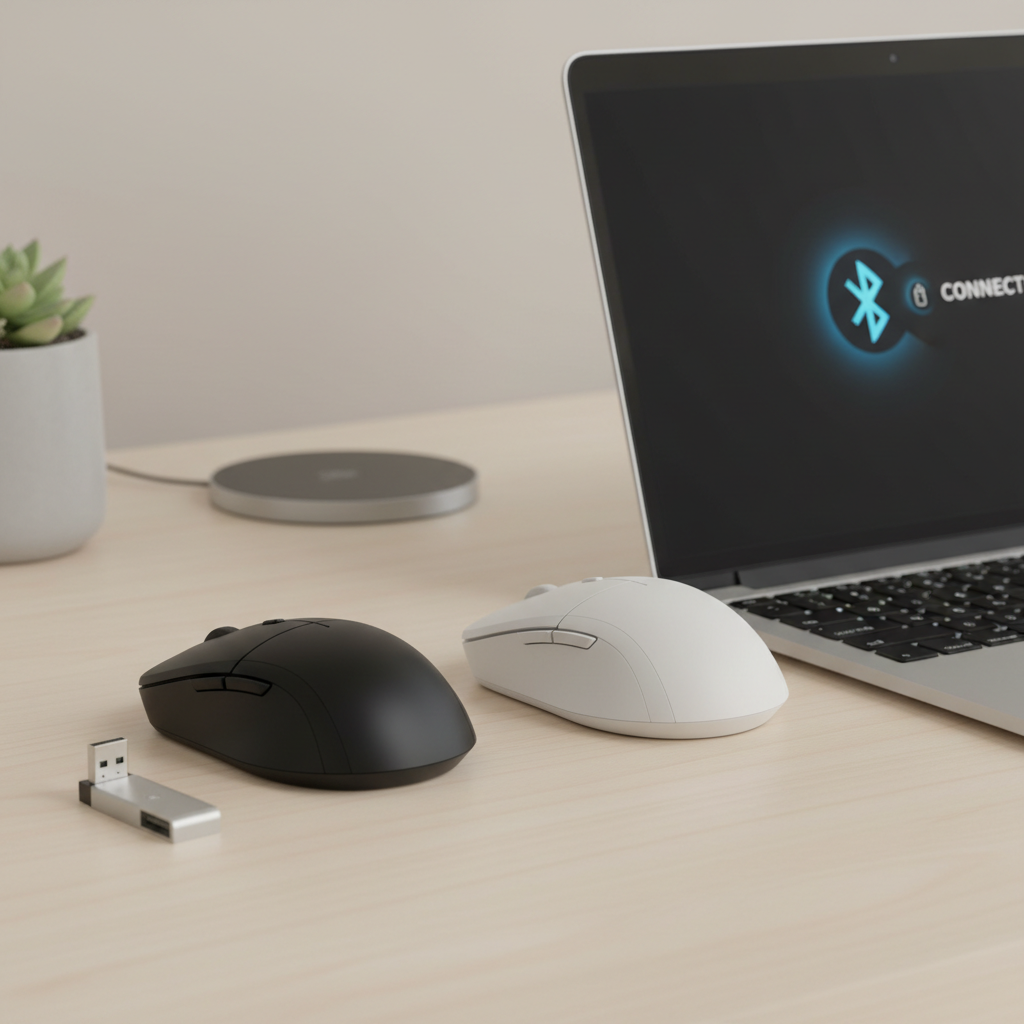
- Choose 2.4GHz receiver if you value plug-and-play and consistent performance on Windows laptops.
- Choose Bluetooth if you hate dongles, travel with tablets, or have limited ports.
- Choose dual-mode if you bounce between a work laptop and personal device, even if you only use it sometimes.
2) How many hours are you really using it per day?
- 1–3 hours/day: slim travel mice are usually fine.
- 4+ hours/day: prioritize a taller shape that supports your palm, even if it is slightly less “packable.”
3) What surfaces do you work on while traveling?
- If you often work on glossy tables, consider packing a thin mouse pad, it fixes many “cheap sensor” complaints.
- If you work on uneven surfaces, look for a mouse known for forgiving tracking rather than high DPI claims.
Common reasons “cheap” wireless mice disappoint (and how to avoid it)
People blame price, but the pain usually comes from a mismatch between the mouse design and the way you work. These are the failure modes that show up most often in budget travel gear.
- Random lag or stutter: can come from weak 2.4GHz receivers, crowded wireless environments, or low battery. If your laptop has USB 3.0 ports, moving the receiver to a different port sometimes reduces interference.
- Uncomfortable grip after 30 minutes: slim mice look travel-friendly but can force a tighter pinch grip, which some hands hate.
- Noisy wheel/clicks: noticeable in quiet spaces, and it becomes a social problem, not a tech problem.
- Sleep/wake delays on Bluetooth: many Bluetooth mice conserve power aggressively, which can feel like “it missed my first click.”
- Receiver gets lost: travel is chaotic, if there is no storage slot, assume you will eventually misplace it.
None of these are deal-breakers, but they tell you what to check before buying: receiver storage, click style, and whether Bluetooth wake behavior bothers you.
Recommended budget picks (by scenario, not hype)
I am not going to pretend there is one mouse that fits every traveler. Instead, here are the scenarios that cover most buyers looking for the best budget wireless mice for travel, plus what to look for on product pages so you can pick confidently.
Scenario A: You want a simple, dependable dongle mouse
- Look for: 2.4GHz nano receiver, on/off switch, receiver storage, at least 12 months claimed battery life.
- Nice to have: forward/back buttons for browser and docs.
- Good fit for: Windows laptops, conference rooms, frequent flyers.
Scenario B: You travel with a MacBook or iPad and hate dongles
- Look for: Bluetooth multi-version support, consistent pairing reviews, easy wake behavior.
- Nice to have: multi-device switch button if you also use a work PC.
- Good fit for: USB-C-only setups, minimalists.
Scenario C: Quiet workspaces, you want “silent” clicks
- Look for: silent switch wording for left/right click, plus a wheel that does not rattle.
- Reality check: silent clicks often feel softer, some people love it, some do not.
- Good fit for: open offices, libraries, shared hotel rooms.
Scenario D: Long work sessions, your hand gets tired fast
- Look for: a more contoured shell, rubber side grips, slightly larger body even if it adds bulk.
- Nice to have: adjustable DPI button so you can slow the pointer for precision work.
- Good fit for: analysts, writers, anyone doing 6–8 hours with a laptop.
Setup and travel tips that make a budget mouse feel “better”
Small tweaks can make an inexpensive mouse feel far more stable. This is the stuff experienced travelers do without thinking about it.
- Use a tiny mouse pad or desk mat: it solves tracking issues on shiny or textured tables and protects the mouse feet.
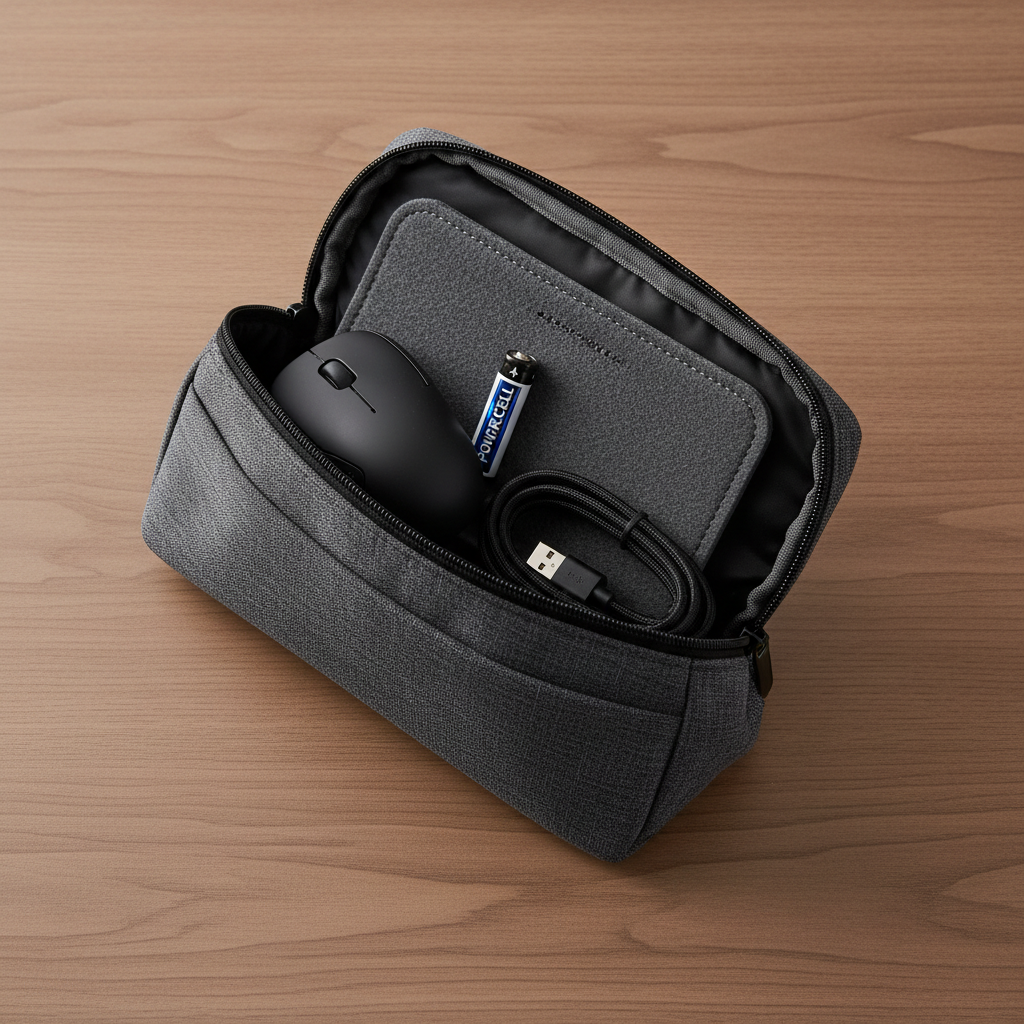
- Keep spare power smartly: if your mouse uses AA/AAA, toss one spare in your tech pouch; if it is rechargeable, add a short cable you already carry.
- Set pointer speed once per laptop: on Windows, adjust pointer speed and consider disabling “Enhance pointer precision” if you dislike acceleration.
- Receiver placement matters: a front USB port or a short USB extension can reduce dropouts compared with a crowded hub.
- Clean the sensor window: lint happens in bags, a quick wipe fixes “random” tracking problems more often than people admit.
Key takeaways (so you can buy fast)
- Connection beats specs: stable 2.4GHz or solid Bluetooth matters more than high DPI numbers.
- Pick shape for your hours: slim for short sessions, contoured for real workdays.
- Plan for travel friction: receiver storage, on/off switch, and power strategy prevent most annoyances.
- A mouse pad is a cheat code: it makes many budget models feel more premium in the wild.
Conclusion: the “best” budget travel mouse is the one that stays boring
The best budget wireless mice for travel are not exciting, they are predictable. If your mouse connects every time, tracks on average desks, and does not punish your hand during long sessions, you will stop thinking about it, which is kind of the point.
Pick your connection type first, be honest about how long you use it daily, then buy a model that matches that scenario. If you are between two options, choose the one with easier power management and better receiver storage, those little details usually matter more on the road.